Canva for Business: Hernan Malubay at Graphic Expo 2024
A look back at Hernan Malubay’s 2024 invitation to speak about Canva for business at the 27th Graphic Expo in Pasay City.
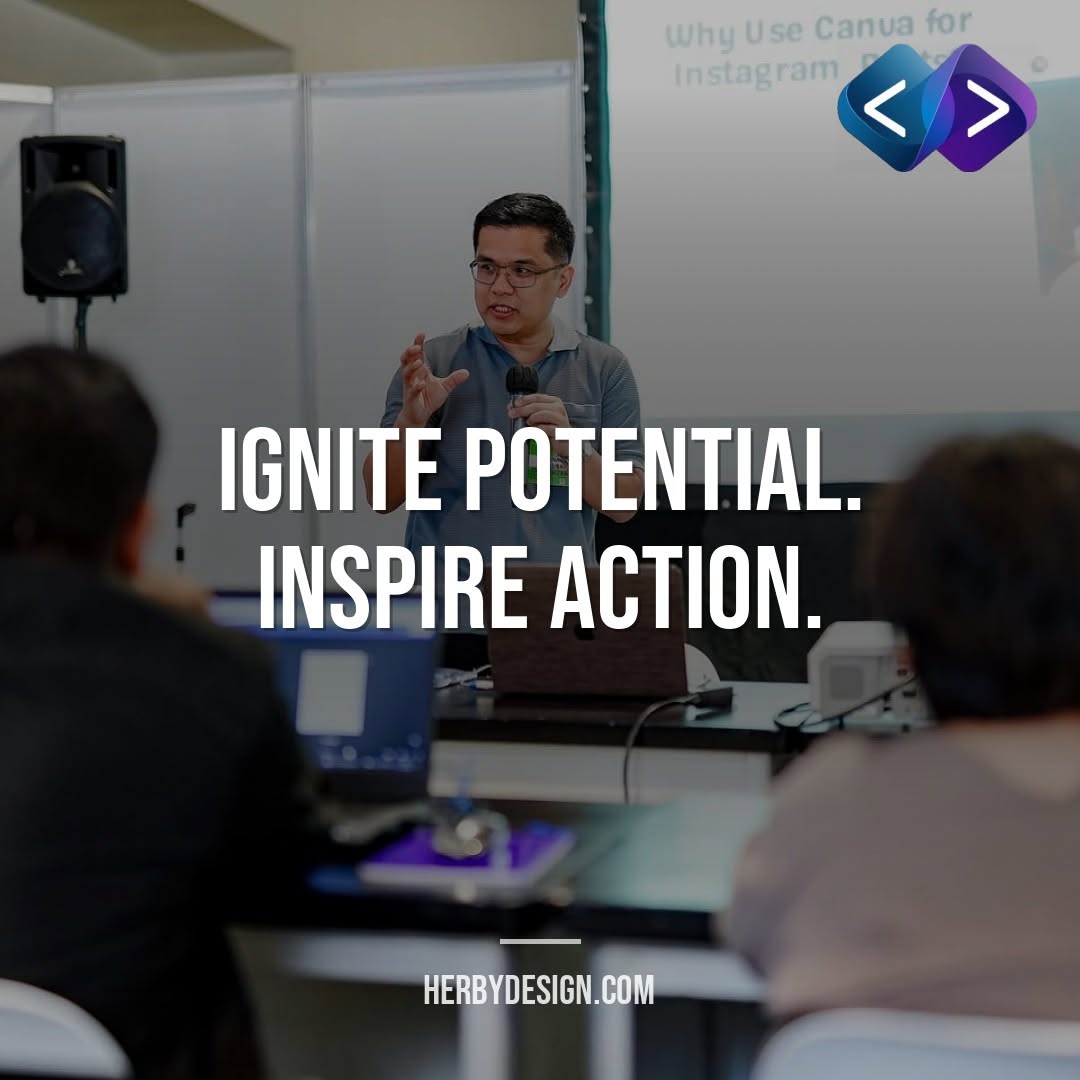
In 2024, Hernan Malubay was invited to speak at the 27th Graphic Expo about how businesses can use Canva to create engaging visual content. The June 27–29 event at the SMX Convention Center in Pasay brought together professionals from the creative imaging, signs, advertising, multimedia, and printing industries.
- The talk focused on practical Canva uses for business, including social media posts, logos, and video content.
- The Graphic Expo combined industry displays and demonstrations with seminars and networking.
- The event offered a chance to connect everyday design work with a business’s brand and marketing goals.

Canva for business at the 27th Graphic Expo
Looking back at the 2024 event, Canva for business was the focus of Hernan Malubay’s seminar at the 27th Graphic Expo. The program listed him as a senior web developer and described his session as covering professional and engaging logos and posts, video and reel editing, and ways to support a business’s presence on social media.
The expo took place from June 27 to 29, 2024, at the SMX Convention Center, Mall of Asia, in Pasay City. Fiera de Manila presented it as a trade show for creative imaging, signs, out-of-home advertising, multimedia, and printing. Its program included product displays, demonstrations, seminars, photo exhibits, and special events.
For business owners, marketers, and creative professionals, the session’s theme addressed a practical need: producing useful visual content without treating every social post or announcement as a major design project. Canva can help teams make and adapt designs, while a clear brand and message still guide the work.
A seminar built around everyday business design
Business content often needs to move quickly. A company may need a new service announcement, a promotion, or a short video for social media. The seminar description connected Canva with common tasks like making logos and posts, editing videos and reels, and building a recognizable online presence.
These tasks are easier to manage when a business sets a few design rules first. Choose a small set of brand colors, use fonts consistently, and keep a current logo file in a shared folder. Then, when staff create a new post, they can start from a familiar visual direction instead of inventing one from scratch.
That does not mean every business should make every asset in-house. A simple social update may be a good fit for a template. A full brand identity, complex campaign, or key website graphic may need more planning and specialist design support. The useful question is not whether a tool can make a graphic, but whether the graphic serves its purpose.
Why the Graphic Expo mattered to creative businesses
The Graphic Expo brought together technologies, products, and people working across connected creative industries. Digital design, printing, signage, and advertising often support the same business goals: communicating clearly, attracting attention, and helping customers recognize a brand.
Trade events can also make it easier to learn beyond a single software feature. Attendees can see demonstrations, compare approaches, and meet industry professionals. The 2024 program included seminars on tools and techniques across the creative field, alongside displays and networking opportunities.
That wider context matters for small businesses, too. A social post may be digital, but its style can influence packaging, signs, printed materials, and the company website. Consistent visuals help customers connect those touchpoints, whether they encounter the brand online or in person.
Turning a Canva design into useful business content
A polished design is only one part of effective content. Start with the audience and the action you want them to take. A product post might explain one benefit and invite customers to ask a question. An event graphic should make the date, location, and registration step easy to find.
- Set one goal. Decide whether the design should inform, promote, invite, or answer a common customer question.
- Write the message first. Keep the main idea short and make supporting details easy to scan.
- Use a consistent style. Apply your chosen colors, fonts, and logo placement rather than changing them for each post.
- Check the details. Review spelling, dates, contact information, image quality, and readability on a phone.
- Match the format to the channel. Prepare a layout that suits the platform and check how it appears before publishing.
- Make the next step clear. Tell the audience how to ask, book, visit, or learn more.
These steps help keep the design connected to the business purpose. They also make review easier when more than one person creates or approves content.

From visual content to a stronger online presence
Social media graphics can support a broader digital presence, but they should not work alone. A useful website gives visitors a place to learn about services, check details, and contact the business. Keep the same brand cues across social profiles and website pages so people can recognize that they are dealing with the same company.
If you are planning a new or improved site, explore website design and development. For a broader checklist of what a business site can include, read Business Website: What It Does and What to Include.
Local businesses can also connect visual content with accurate business details in search and map listings. See this guide to Google Business Profile marketing for practical ways to support local discovery. Together, clear design, useful information, and accessible contact options can make it easier for potential customers to take the next step.
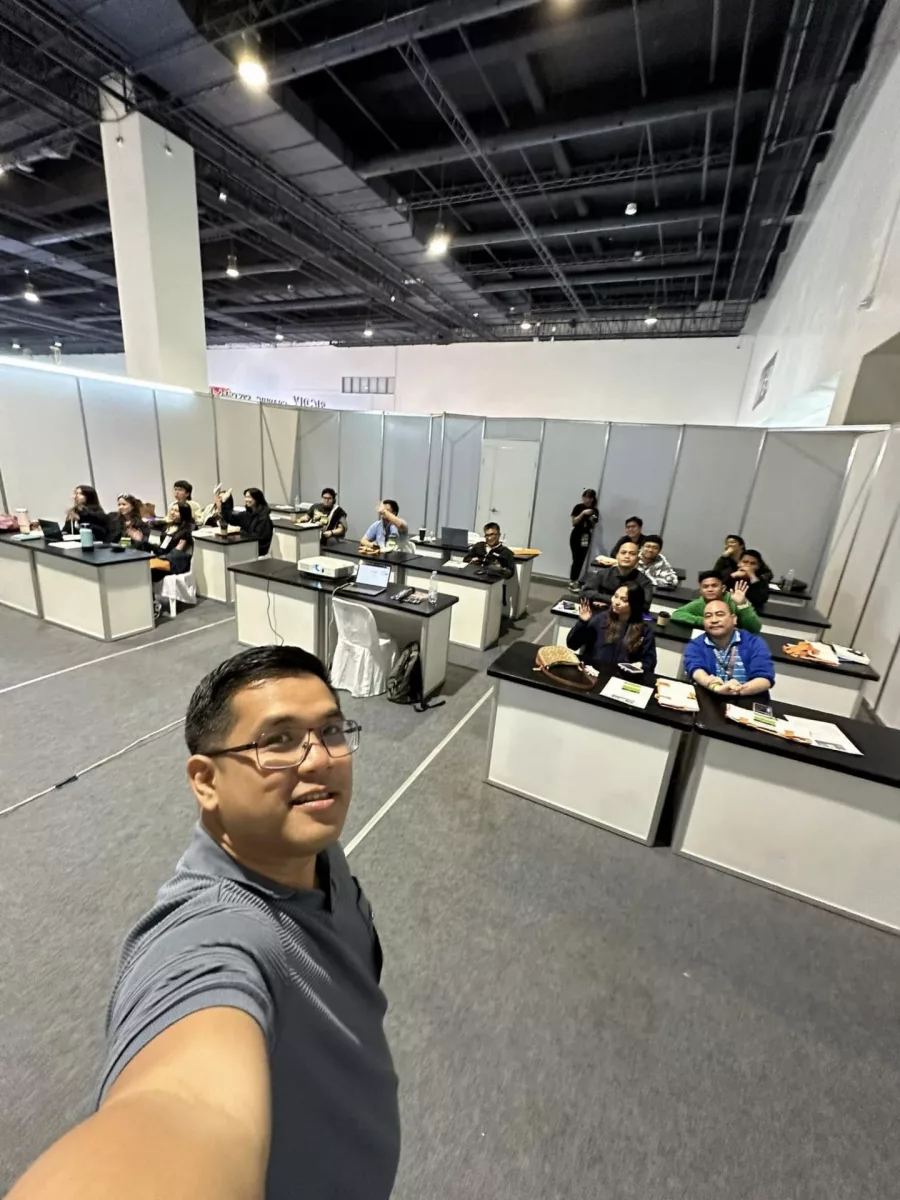
Looking back at the 2024 invitation
Hernan Malubay’s invitation to speak at the 27th Graphic Expo marked an opportunity to share practical ideas about Canva and business communication. The event’s official description highlighted content creation for logos, social posts, videos, and reels, while the larger expo showcased a broad range of creative and print-related work.
Read the event coverage in BusinessMirror’s report on the 27th Graphic Expo 2024. The organizer’s event page also describes the schedule and seminar program at Fiera de Manila, Inc..
Frequently asked questions
When was the 27th Graphic Expo 2024?
The event ran from June 27 to 29, 2024, at the SMX Convention Center in Pasay City.
What was Hernan Malubay invited to speak about?
He was invited to speak about using Canva for business, including social content, logos, and video and reel editing.
Who could benefit from a Canva business seminar?
Business owners, marketers, and creative professionals can use practical design skills to prepare and manage visual content.
What kinds of activities were part of the expo?
The program included product displays, demonstrations, seminars, photo exhibits, and special events.

Conclusion
The 2024 Graphic Expo brought creative professionals together to explore tools, ideas, and business applications. Hernan Malubay’s Canva seminar focused on practical ways to create business visuals. If you need help connecting your brand, website, and online presence, contact Herby Design to discuss your project.
Found this helpful? Share it
Canva for Business: Hernan Malubay at Graphic Expo 2024 — a look back at Hernan Malubay’s 2024 invitation to speak about Canva for business at the 27th Graphic Expo in Pasay City…#Canva #GraphicExpo2024 #BusinessDesign #Seminar #HerbyDesign
Caption and hashtags copied: paste them into your post.
Need help with your website?
I build fast, SEO-ready websites and web applications.