How to Be a Good Web Programmer: Practice That Works
Learn how to become a good web programmer through focused practice, clear code, accessibility checks, real projects, and useful feedback.
A good web programmer does more than make a page work: they build something people can use, maintain, and trust. To become a good web programmer, practise solving real problems, write clear code, test your work, and improve it through feedback.
- Start with the user’s needs and define what success means.
- Learn core web skills before chasing every new framework.
- Test accessibility, behaviour, and errors—not just how a page looks.
- Use small projects and code reviews to build steady progress.
What makes a good web programmer?
A good web programmer turns a clear need into a reliable web experience. That means understanding the problem, choosing suitable tools, and checking that the result works for real people.
Technical skill matters, but it is only one part of the job. Good programmers communicate clearly, manage changes carefully, and can explain why they made a choice. They also know when a simple solution is better than a clever one.
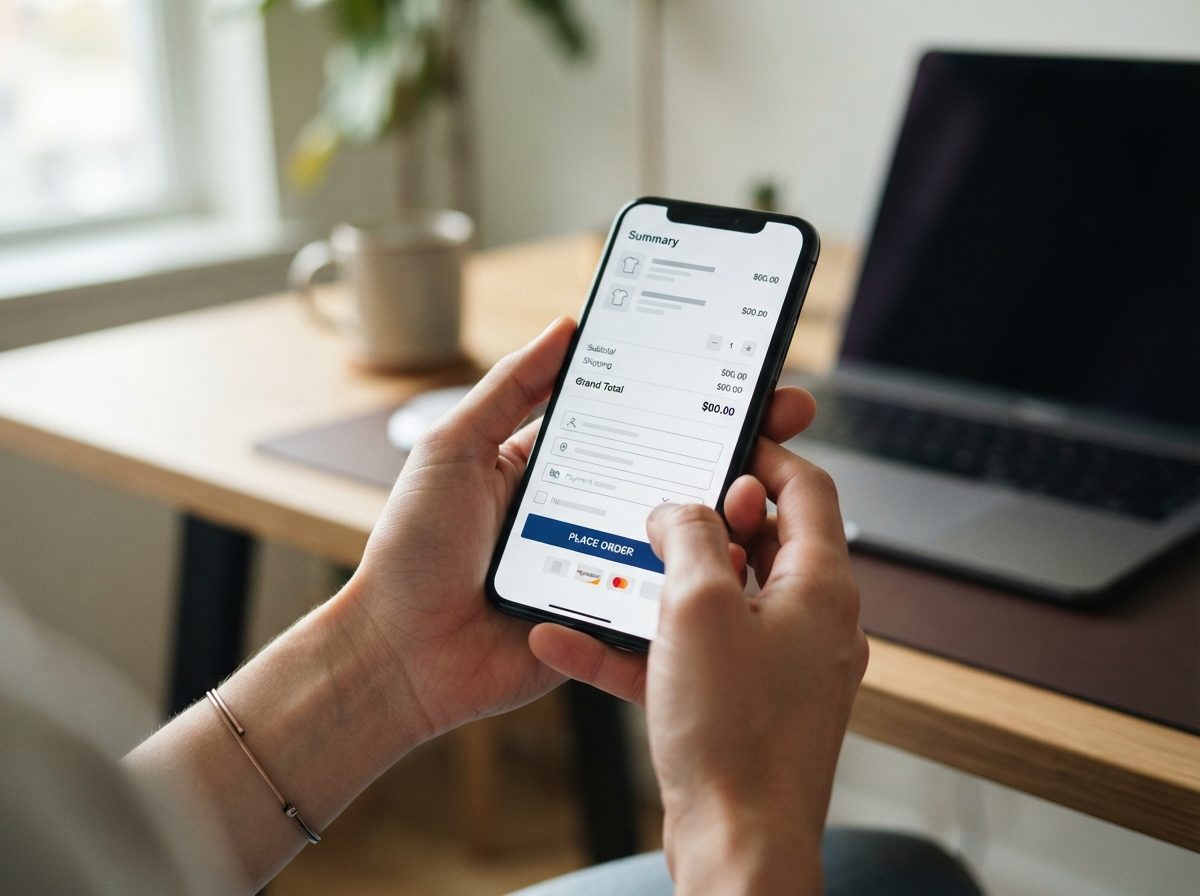
For instance, a contact form is not finished just because it submits once. It should give useful error messages, work on a phone, protect submitted data, and tell the visitor what happens next.
Build strong web programming foundations
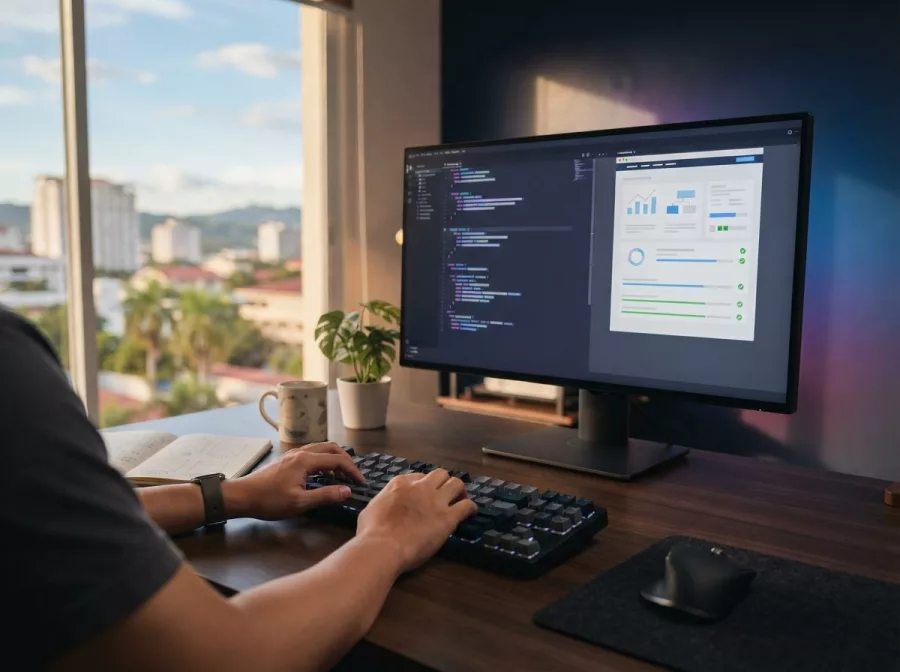
Learn the core building blocks before trying to master many tools at once. For websites, these include HTML for structure, CSS for presentation, and JavaScript for interactive behaviour. Understand how browsers request pages and how servers return data, too.
Practise reading existing code as well as writing new code. When something breaks, use the browser’s developer tools to inspect errors, network requests, and page behaviour. Learn to describe the cause of a problem instead of randomly changing code until it appears fixed.
Choose a focused learning path
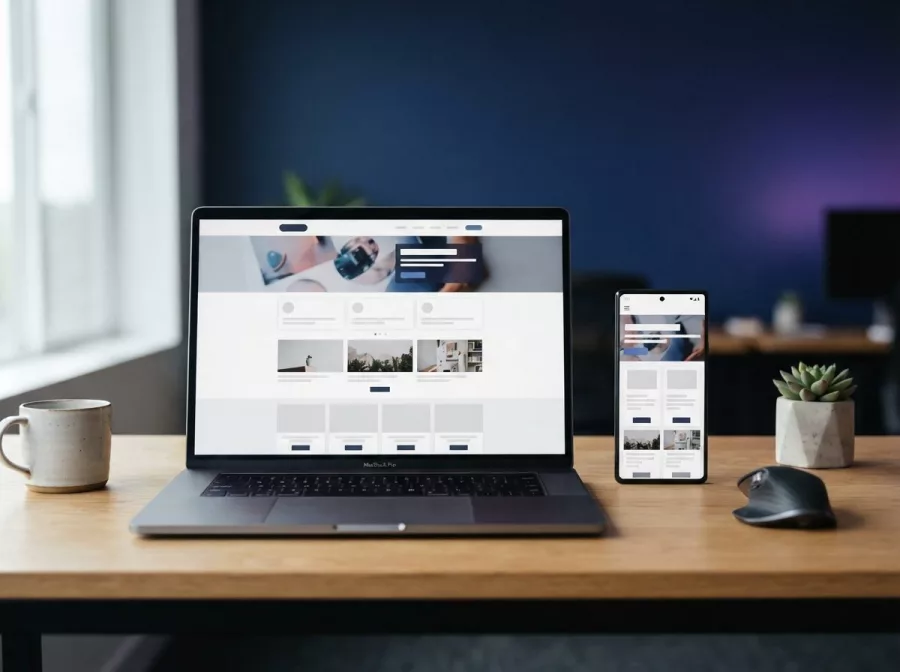
Pick one kind of project and learn the skills it needs. A small business website might involve page layouts, forms, responsive design, and basic search visibility. A web application may need user accounts, stored data, and server-side logic.
After learning the basics, choose a framework or content platform that suits your goal. Avoid switching tools every time a new tutorial appears. A focused path helps you understand fundamentals that carry over between projects.
Practise with projects that solve real problems
Projects make learning concrete. Start with something small enough to finish, such as a personal portfolio, a service enquiry form, or a simple appointment list. Write down who it helps and what task it should make easier.
Break the work into steps: sketch the pages, build the structure, add styles, connect the interactions, and test the result. Keep a short list of what remains. Finishing and improving a modest project teaches more than leaving several ambitious projects half done.
Make each project demonstrate a skill
Use a project to show decisions, not only screenshots. Include a brief explanation of the problem, the features you built, and what you learned. Make sure the page works at different screen sizes and that its main task is easy to complete.
If you are building a site for a local organisation or small shop, keep the content and features practical. You can explore what customers need first on a small business website before deciding what to build.
Write code that is easy to understand and change
Clear code saves time when you return to a project or another developer needs to work on it. Use names that explain purpose, keep functions focused, and remove repeated logic when a shared solution makes the code simpler.
Comments should explain reasoning that is not obvious from the code. They should not repeat each line in plain language. Keep formatting consistent, and organise files so someone can find the part they need without guessing.
Do not add complexity without a reason. A new library or abstraction creates something else to learn and maintain. Before adding one, ask whether it solves a real need better than the simplest available approach.
Test for usability, accessibility, and reliability
Testing should cover more than whether the page looks right on your own computer. Check the main user tasks, try a narrow screen, and look for clear failures such as broken links, missing content, or confusing form errors.
Accessibility means making a site usable by people with different abilities and ways of navigating. Start with semantic HTML, descriptive labels, useful text alternatives for meaningful images, and controls that work with a keyboard. Use visible focus styles so keyboard users can tell where they are.
Automated checks can help find issues, but they do not catch everything. Try navigating with a keyboard and inspect the page with a screen reader when possible. MDN’s accessibility tooling guide describes tools and manual checks. For a broader introduction, use the MDN accessibility learning materials.
For interactive features, test ordinary use and likely mistakes. What happens if a field is blank? Does the page explain an error? Can a visitor correct it without losing everything they entered? These checks make a website more dependable.
Learn from feedback and work with others
Ask someone else to try your project without coaching them. Watch where they pause, what they misunderstand, and whether they can complete the main task. Specific observations are more useful than asking only whether they like the design.
Code review is another way to improve. A reviewer may spot a confusing name, an overlooked edge case, or a simpler way to structure a change. When receiving feedback, ask questions to understand the reason behind a suggestion. When giving feedback, be respectful and focus on the code and its effect.
Keep a record of recurring problems and what fixed them. This turns mistakes into practical lessons. If you want a structured plan for building a portfolio and preparing for work, read the web developer skills, projects, and first-job guide.
Create a steady improvement routine
Progress comes from regular practice, not from trying to learn everything in one sitting. Set a small weekly goal, such as finishing one feature, fixing a known issue, or reviewing a concept you found difficult.
- Choose a small task with a clear outcome.
- Build it using the tools you already understand.
- Test it on a phone-sized screen and with a keyboard.
- Ask for feedback or compare your solution with trusted documentation.
- Write down one thing to improve next time.
Use reliable references when you are unsure. Documentation helps you check how a feature is meant to work, while a tutorial can show one possible approach. Verify that examples fit your project instead of copying code blindly.
For a practical learning plan, you may also find these habits for becoming a better web programmer helpful. If your next goal is a working business site or application, explore website design and development support.
Frequently asked questions
How do I become a good web programmer?
Learn HTML, CSS, JavaScript, and web fundamentals. Build small projects, test them carefully, and improve them using feedback.
Do I need a computer science degree?
A degree is not the only way to learn web programming. A strong foundation, finished projects, and the ability to explain your work can also demonstrate your skills.
Which programming language should I learn first?
For front-end web work, begin with HTML and CSS, then learn JavaScript. The best next language depends on the kind of sites or applications you want to build.
How can I practise web programming every day?
Choose a small, useful task and work on it consistently. Fix a bug, build one feature, or test an existing page rather than starting a new large project each day.
How do I know if my website is good?
Check whether people can complete its main task, whether it works across screen sizes, and whether keyboard and assistive technology users can use it. Ask others to test it, too.
Becoming a good web programmer is a steady process: solve real problems, keep your code clear, and test with care. Have a website or application in mind? Contact Herby Design to discuss your project.
Found this helpful? Share it
How to Be a Good Web Programmer: Practice That Works — learn how to become a good web programmer through focused practice, clear code, accessibility checks, real projects, and…#WebDevelopment #WebProgramming #Accessibility #CodingPractice #HerbyDesign
Caption and hashtags copied: paste them into your post.
Need help with your website?
I build fast, SEO-ready websites and web applications.