Hostinger Hosting Review: Costs, Features, and Trade-Offs
A practical Hostinger hosting review for Philippine website owners, covering plans, renewal costs, backups, support, and what to check before buying.

Hostinger hosting review: Hostinger can suit personal sites, small business websites, and WordPress projects that want an easy-to-manage hosting platform. Its main trade-offs are long-term upfront payments, higher renewal rates, and plan-specific limits on backups and resources.
Key takeaways
- Hostinger combines web hosting with tools for websites, domains, email, and online stores.
- Promotional monthly prices depend on the plan term and are paid upfront; check the renewal price before checkout.
- Features such as storage, website limits, and backup frequency vary by plan.
- A 30-day money-back guarantee applies to many eligible hosting services, subject to the refund policy.
- It is worth comparing the plan details with your site's needs before committing.
What Hostinger hosting offers
Hostinger sells shared web hosting, WordPress hosting, cloud hosting, and other online services. Its Philippines site also presents an integrated platform with a website builder, domain services, email, and tools for online stores. This may be convenient if you want to manage several parts of a small online presence from one account.
For a typical small website, the core question is whether a plan has enough capacity and the right features. Hostinger lists items such as storage, the number of websites you can host, email availability, backups, and support. Read the current plan comparison carefully; features can differ across tiers and promotions.
Hostinger also offers WordPress as a way to build and manage a website. If you're deciding what to build before choosing a plan, see this guide to a small business website. If you already have a WordPress project, our WordPress development service can help with implementation and customisation.
Pricing, promotions, and renewal costs
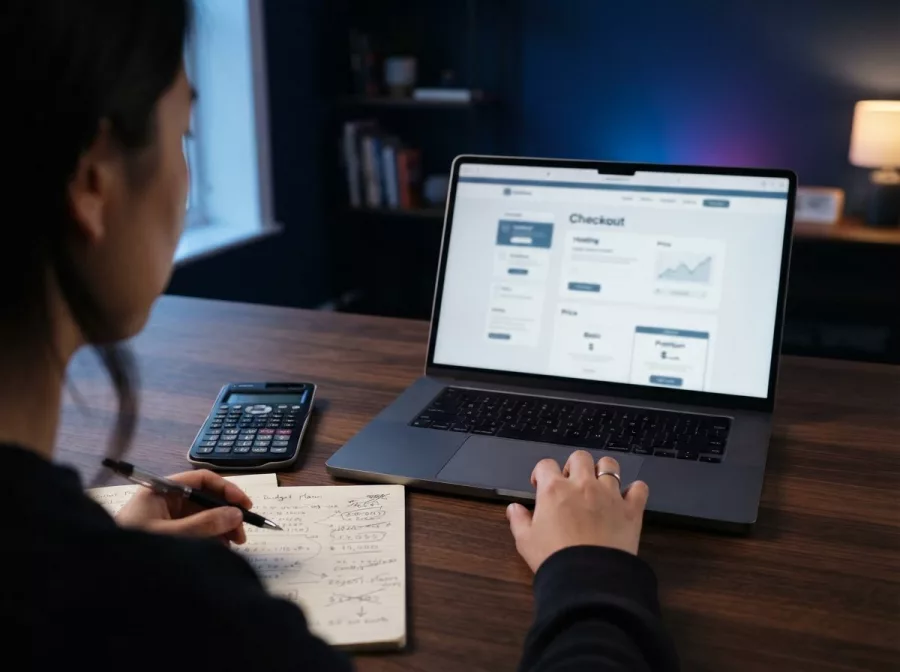
Hostinger advertises introductory monthly prices, but the displayed rate is not necessarily a month-to-month payment. Its pricing page explains that plans are paid upfront and that the monthly figure reflects the total plan cost divided across the chosen term. The Philippines page currently shows examples based on 48-month terms, with a separate renewal rate for the same term.
That difference matters. A low entry rate can require paying for several years at checkout, and the renewal price may be higher. Treat promotional pricing as a first-term offer, not as a guarantee of what hosting will cost forever. Exact prices and included features can change, so verify them on the checkout page before paying.
- Choose the billing term you would genuinely be comfortable paying for.
- Note the total due today, not only the advertised monthly equivalent.
- Check the renewal rate and renewal term shown for that plan.
- Confirm whether a domain, email, backups, or other extras are included, and for how long.
For a new project, longer-term pricing may look appealing, but it reduces flexibility if your needs change. Compare the total cost over the period you expect to keep the site. Also check whether an add-on or upgrade would be needed for your planned setup.
Features and ease of use
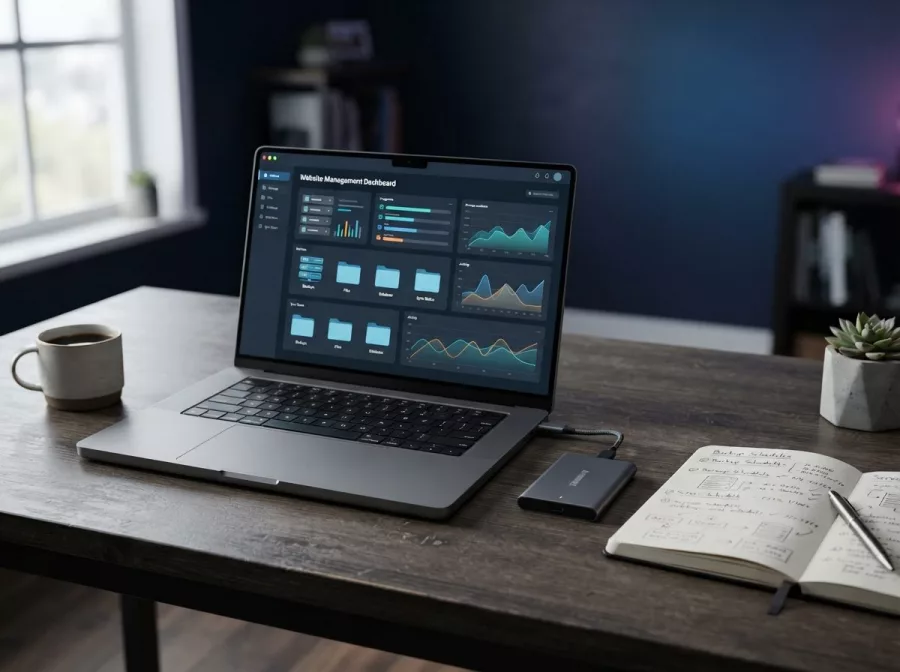
Hostinger aims to bring common site-management tasks into its hPanel control panel. The platform's combination of hosting, domain management, WordPress, and site-building tools can be useful for owners who prefer a central dashboard. Beginners may appreciate having fewer separate services to configure.
Plan details are important, though. For example, the Philippines hosting page lists different website counts and storage amounts across plans. Some plans offer weekly backups, while higher tiers may include daily backups and restoration tools. Do not assume a feature is included simply because it appears somewhere on the provider's site.
Backup frequency deserves special attention. Hostinger's documentation says automatic backups are weekly by default, with daily backups on plans that include them. It also states that website backups cover files and databases, not email mailboxes. Keep an independent backup where your site's content is important, and confirm exactly what your selected plan restores.
Hostinger's 30-day money-back guarantee is helpful for evaluating an eligible purchase, but it is not a substitute for reading the policy. The provider lists covered services and conditions, and some products or payment types may be treated differently. Review the current Hostinger refund policy before ordering.
Performance, support, and limitations
Hosting performance depends on more than the provider. Your site's code, image sizes, plugins, traffic patterns, and chosen plan all affect loading and reliability. A shared hosting plan can be a practical starting point for a modest site, but a project with growing traffic or heavier workloads may need more resources.
Hostinger advertises 24/7 support on its Philippines site. Support availability is useful, but response quality can vary with the question and the issue. Before buying, consider how you prefer to get help and whether your team can manage common tasks, such as backups, updates, and troubleshooting.
Some plan features have limits or conditions. The provider notes that unlimited features are subject to a Fair Usage Policy. Check the terms for the specific plan rather than interpreting “unlimited” as unlimited processing power, storage, or traffic in every situation. If your business depends on steady service, keep a copy of your website and a plan for moving it if necessary.
For sites that already exist, migration is another practical consideration. Check which migration help is available and whether your domain, email, database, and files will move as expected. A hosting change can affect email delivery and website availability if DNS settings are updated incorrectly.
Who should consider Hostinger?
Hostinger may be a reasonable choice if you want a relatively accessible way to launch a personal website, blog, portfolio, or small business site. It may also suit owners who value a bundled platform and are comfortable selecting a plan based on specific limits.
It may be less suitable if you need short-term billing, highly specialised server control, or a clearly predictable renewal cost. Larger and more complex websites should compare resource allocations, backup options, support arrangements, and migration needs across providers. If your requirements are unusual, ask the provider specific questions before purchasing.
For a business site, hosting is only one part of the job. You also need useful content, a clear path for enquiries, and ongoing maintenance. Explore our website design and development and website maintenance and technical support services if you need help building or caring for a site.
How to decide before you buy
Start by listing what your site needs today: the number of websites, storage, email accounts, backups, and any online-store features. Then compare those needs with the exact plan details. Avoid paying for capacity you do not need, but leave room for reasonable growth.
- Calculate the real cost: compare the upfront payment, term length, renewal rate, and optional add-ons.
- Check the limits: verify website count, storage, backup frequency, email terms, and any fair-use rules.
- Plan for recovery: understand what backups include and keep separate copies of important site data.
- Review the refund terms: confirm eligibility and deadlines before you rely on the guarantee.
- Think beyond launch: consider updates, security, performance, and support as the site grows.
If Hostinger matches your budget and requirements, you can review its current Philippines offers through Hostinger's Philippines website. Compare the plan and checkout details directly before placing an order.
Frequently asked questions
Is Hostinger good for a small business website?
It can work for a small business site if the chosen plan meets your storage, website, backup, and email needs. Check renewal pricing and plan limits before buying.
Does Hostinger offer a money-back guarantee?
Hostinger lists a 30-day money-back guarantee for many eligible hosting services. Conditions apply, so read its current refund policy for coverage and exceptions.
Are Hostinger's advertised monthly rates paid monthly?
Not always. The displayed monthly equivalent can be based on a longer plan paid upfront. Confirm the total due today and the renewal rate at checkout.
Are daily backups included?
Backup frequency depends on the plan. Hostinger documentation says weekly backups are the default and daily backups are available on qualifying plans. Verify your plan's included backup schedule.
Final verdict
Hostinger is worth considering for a straightforward website when its current plan features, upfront term, and renewal cost fit your needs. Check the fine print, especially backups and plan limits, before committing. Need help planning or building your website? Contact Herby Design to discuss your project.
Found this helpful? Share it
Hostinger Hosting Review: Costs, Features, and Trade-Offs — a practical Hostinger hosting review for Philippine website owners, covering plans, renewal costs, backups, support, and…#WebHosting #Hostinger #SmallBusinessWebsites #HostingReview #HerbyDesign
Caption and hashtags copied: paste them into your post.
Need help with your website?
I build fast, SEO-ready websites and web applications.