Laravel Tips for Beginners: Build Better Habits Fast
Learn practical Laravel tips for beginners, from routes and Artisan to migrations, validation, secure configuration, and version-matched documentation.

Laravel tips for beginners are easiest to apply when you build around the framework’s basic flow: routes receive requests, controllers handle the work, models access data, and views display results. Start with small features, use Artisan to create common files, and keep configuration and secrets out of your code. These habits make a first Laravel project easier to understand, test, and maintain.
- Follow the request from route to controller to view or response.
- Use Artisan commands and migrations instead of creating everything by hand.
- Validate user input and protect sensitive configuration.
- Learn from the documentation for the Laravel version installed in your project.
1. Learn the Laravel request flow first
When someone visits a page, Laravel matches the request to a route. The route can return a response directly or pass the work to a controller. A controller can then use a model to read or save data and return a view or another response.
This simple flow helps you decide where each piece of code belongs. Put URL definitions in the route files, request-handling logic in controllers, database interaction in models, and page markup in Blade views. Avoid putting an entire feature into a single route closure once the feature grows.
For example, a small page route might look like this:
use Illuminate\Support\Facades\Route;

Route::get('/about', function () {
    return view('about');
});
The route points to a Blade view named about. Laravel looks for that view in the application’s views directory. For a more involved feature, create a controller and point the route to a controller action.
To explore a complete form workflow, see this beginner Laravel lead form guide. It builds on the same route and response basics.
2. Use Artisan to create files and inspect your app
Artisan is Laravel’s command-line tool. It can create common files, run migrations, and show useful details about your application. Using its generators gives your project familiar file names and locations.
For example, create a controller with:
php artisan make:controller ContactControllerTo see the routes Laravel currently knows about, run:
php artisan route:listThat command is a quick way to check whether a route exists and which method handles it. If a page returns a 404, inspect the route list before changing unrelated code. You can also use Artisan’s help option to check command usage.
Do not try to memorize every command at once. Learn the few that support your current task, then consult the official documentation when you need more. Commands and project structure can differ across Laravel releases, so check the documentation matching your installed version.
3. Keep database changes in migrations
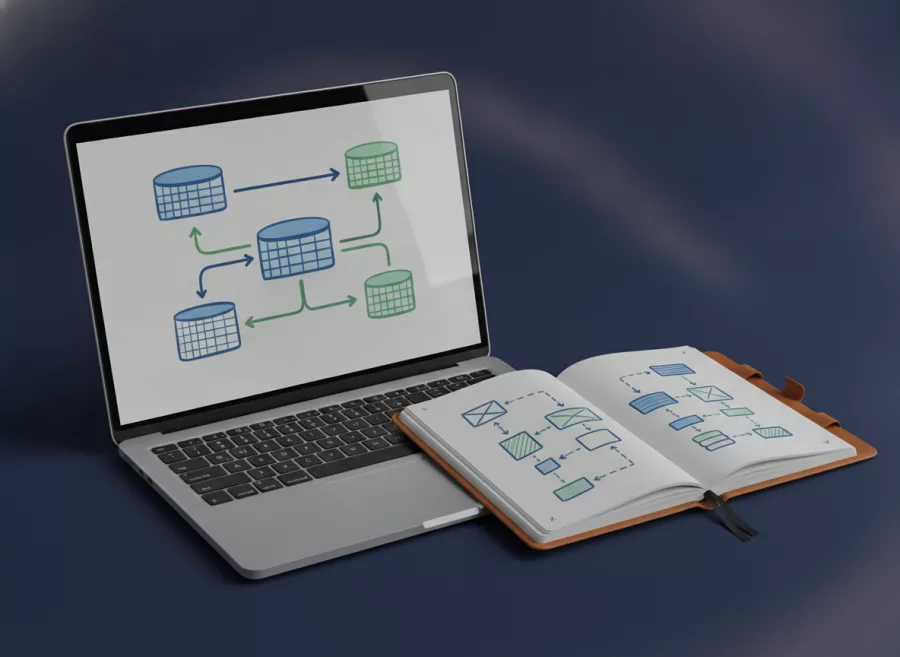
A migration describes a database change in code. It might create a table or add a column. This gives you a repeatable way to build the same database structure in development, testing, and deployment environments.
Create a migration with Artisan:
php artisan make:migration create_contacts_tableOpen the generated file and define the table change there. Then apply pending migrations in your local environment with:
php artisan migrateKeep migrations small and clear. If a later feature needs a new column, create a new migration rather than quietly changing an old one that may already have run elsewhere. Before running a migration against a live database, review its effect and make sure you have an appropriate backup plan.
When you use a model to work with a table, follow the project’s naming conventions. Laravel’s conventions often reduce setup, but you can make the relationship explicit when your table or model name differs. The official Laravel migrations documentation explains the available schema tools.
4. Validate input before using it
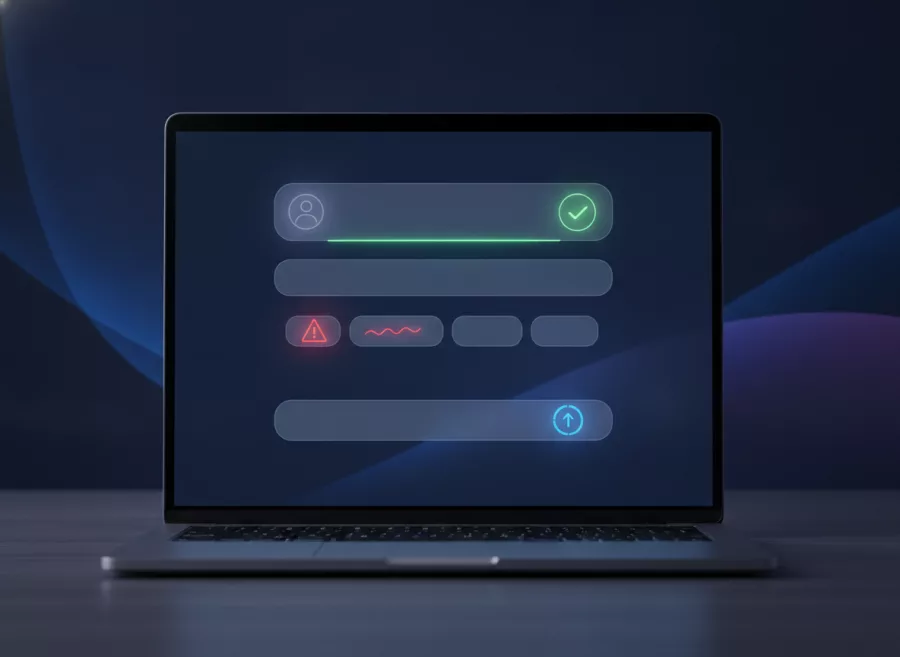
Never assume that a browser form sends complete or trustworthy data. Validate values on the server before saving them or using them in application logic. Client-side checks can improve the experience, but they do not replace server-side validation.
A controller action can validate incoming request data like this:
$validated = $request->validate([
    'name' => ['required', 'string', 'max:100'],
    'email' => ['required', 'email'],
]);
Laravel returns validated values in the $validated array. Use those values for the next step rather than trusting every field in the raw request. Choose rules that match your feature: a name may need a length limit, while an email field should use an email rule.
Validation is one part of safe form handling. Follow Laravel’s normal request and form patterns, and do not disable built-in protections to make a request pass. For more examples, read these practical Laravel validation tips.
5. Protect configuration and secrets
Laravel uses environment-based configuration for values that can differ between environments, such as database credentials. Keep local settings in your environment file and do not commit real credentials, private tokens, or production secrets to a public repository.
Use Laravel’s configuration files to access settings in application code. Avoid scattering environment lookups throughout the app. This keeps configuration easier to review and helps the application use the intended values in each environment.
Before sharing a project, check which files are tracked by version control. If a secret was committed, deleting it from the latest file may not remove it from the repository’s history. Treat the secret as exposed and replace it where it is used.
Also keep error details out of public production pages. During local development, detailed errors help you find problems. In a live environment, configure the app so visitors do not see stack traces or sensitive implementation details.
6. Keep controllers focused and test small pieces
A controller should coordinate a request, not become a home for every rule in your application. If a method grows difficult to scan, separate the work into smaller methods or suitable classes. Use clear names so another developer can understand the purpose without decoding abbreviations.
Test features in small steps. Confirm that the route responds, the validation rejects bad input, and the expected database change occurs. Laravel includes testing tools, and a small test can catch a broken feature before you add more layers.
For a beginner project, begin with the behavior that matters most. A test might check that a page loads or that a form with invalid data receives validation errors. You do not need to test every line before learning the framework, but testing important behavior makes later changes safer.
Readable code matters as much as framework knowledge. If you are also improving your PHP fundamentals, review these modern PHP tips for cleaner code.
7. Check the right documentation for your Laravel version
Laravel changes over time. A command, setup step, or default file location shown in an older tutorial may not match your project. Check the Laravel version installed before copying instructions, and use the matching official documentation.
You can inspect project dependencies in composer.json or use Composer commands to review installed packages. When a tutorial offers a quick fix, compare it with the current docs and consider whether it fits your version and application structure.
The official Laravel documentation covers installation, routing, controllers, validation, databases, and more. Its routing guide is a useful next step after you understand basic routes.
Build one small feature at a time. If your project needs more than a learning exercise, explore Laravel development support or custom web application development.
Frequently asked questions
Is Laravel suitable for beginners?
Yes. Laravel provides conventions and tools that help organize common web tasks. Beginners still need to learn PHP, HTTP basics, and how their project’s Laravel version works.
What should I learn first in Laravel?
Start with routes, controllers, Blade views, models, and migrations. Then learn validation and testing through a small feature such as a contact form.
Should I put all my code in routes?
Use a route closure for a tiny response or quick experiment. Move feature logic into a controller as the work grows so it remains easier to read and maintain.
How do I check which Laravel version a project uses?
Check the project’s Composer dependencies or run an appropriate Artisan version command from the project directory. Then use documentation for that version.
Do Laravel migrations change my live database automatically?
No. A migration runs when you execute the migration command in a given environment. Review changes and plan carefully before running them against production data.
Build your Laravel skills one feature at a time
Good Laravel habits begin with a clear request flow, small migrations, server-side validation, and protected configuration. Practice these basics in a small project, and use version-matched documentation whenever you reach unfamiliar code. Need help planning a Laravel application? Contact Herby Design to discuss your project.
Found this helpful? Share it
Need help with your website?
I build fast, SEO-ready websites and web applications.