Online Business Checkout Guide for Philippine Sellers
Build a more trusted Philippine online business with clear product details, secure payments, useful policies, and a checkout customers can use on mobile.

To build a trustworthy online business in the Philippines, make it easy for customers to understand your offer, pay securely, and know what happens after checkout. Start with clear product details, visible prices and policies, reliable payment methods, and a simple order confirmation process.
Key takeaways
- Show the full price, delivery details, and important terms before customers order.
- Offer payment options that suit your customers, using reputable providers.
- Collect only the personal information you need, and protect it.
- Send order confirmations and issue the required invoices or receipts.
- Test the entire buying journey on a phone before promoting your store.
Online business checkout: start with customer confidence
People need to feel confident before they share their details or send payment. A polished design helps, but trust comes from clear information and a checkout that works as promised.
That means answering common questions before a buyer has to message you: What does the item cost? When will it arrive? Which payment methods can I use? What if I need to cancel or request help?
For a broader foundation, see our guide to a small business website. If you are planning a marketing approach, our website marketing plan for small businesses in the Philippines can help connect your store with the right audience.

Make product details and prices easy to understand
Write product pages for someone seeing your offer for the first time. Use plain language, specific details, and photos that show what the customer will receive.
Include the details buyers need
- Product or service name, key features, size, materials, or scope.
- Accurate photos or examples, with important variations explained.
- Price and any additional charges, such as delivery or customization fees.
- Availability, expected handling time, and estimated delivery information.
- Instructions or limitations that could affect the purchase.
For services, define what is included, what the customer must provide, and how revisions or follow-up work are handled. Avoid vague promises such as “fast delivery” when you can give a useful timeframe instead.
Show the total before checkout
Surprise fees can make customers abandon an order or lose trust. Display delivery costs and other charges early, or explain how the total will be calculated. The final amount should be clear before the customer confirms payment.
In the Philippines, online sellers should pay attention to price-display and consumer-protection rules. The Department of Trade and Industry has reminded online merchants that rules applying to physical stores can also apply to online sales. Review the DTI guidance on online business and check requirements relevant to your products.
Choose payment options that fit your customers
Payment choices depend on what you sell, how you deliver, and what your customers can use. Depending on your business and provider, options may include online card payments, e-wallets, bank transfer, or cash on delivery.
Do not choose a payment method only because it is popular. Check its fees, settlement timing, refund process, customer support, and integration with your website. Confirm that a payment provider is properly authorized for its role. DTI’s e-commerce FAQs advise consumers to use BSP-accredited e-money issuers or payment platforms.
Keep payment steps simple and secure
- Use a reputable payment provider and follow its setup guidance.
- Use HTTPS across your website, especially on checkout and account pages.
- Never ask customers to send sensitive card details through chat or email.
- Explain when an order is considered paid and how customers receive confirmation.
- Provide a clear way to contact you about a failed or duplicate payment.
HTTPS encrypts information sent between a visitor’s browser and your website. It is an important safeguard, but it does not replace secure payment processing or careful handling of customer data.
Publish delivery, cancellation, and refund policies
Customers should be able to find your policies before they place an order. Use short headings and direct language. Explain how orders are prepared, how delivery estimates work, and how a customer can contact you if something goes wrong.
For physical products, state the areas you serve, delivery options, expected dispatch time, and what happens if a parcel is delayed or arrives damaged. For digital products or services, explain when access begins, what counts as completion, and how support works.
Write policies that match your actual process
Set out the conditions for cancellations, returns, exchanges, and refunds. Avoid copying a policy from another shop without checking whether it fits your product and applicable rules. Some goods or services may have special requirements, so verify guidance for your category.
The Internet Transactions Act of 2023 applies to covered internet transactions involving the Philippine market. It also addresses online merchant responsibilities, including consumer data protection and issuing paper or electronic invoices or receipts for sales. Read the law’s official text and seek qualified advice if you are unsure how it applies to your business.
Collect customer information responsibly
Checkout forms should ask only for information needed to complete the purchase, arrange delivery, or provide the service. A physical delivery may require a name, address, and contact number. A digital purchase may need much less.
Tell customers why you collect their information and how they can contact you about privacy questions. Limit staff access to customer records, use strong account security, and avoid storing payment details unless your provider and setup support a compliant, secure process.
Keep operational records in a way that supports customer service and your business obligations. DTI’s e-commerce FAQ notes that domestic online sellers need to register with the BIR, issue invoices or receipts, maintain books of account, and meet applicable tax filing requirements. Check current guidance for your specific business structure.
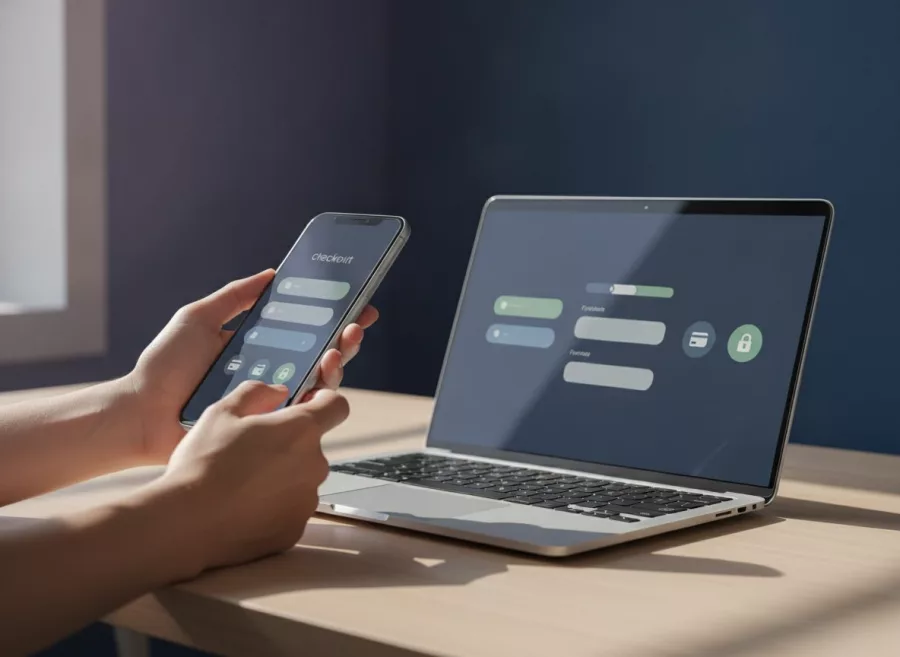
Build a checkout that works well on mobile
Many customers browse and order on phones. Test your site on a small screen, not only on a desktop. Buttons should be easy to tap, text should be readable, and forms should not demand unnecessary typing.
Test the full purchase journey
- Open a product page and confirm its details and price are clear.
- Add an item to the cart and change quantities or options.
- Enter a valid delivery location and review the total.
- Choose each payment method and check what the customer sees.
- Complete a test transaction using the provider’s approved testing process.
- Confirm that order status, email notifications, and records update correctly.
Also test what happens when payment fails, a required field is missing, or a customer returns to the cart. Clear error messages help buyers recover without guessing.
If you need a custom store or tailored checkout, explore e-commerce development. For ongoing fixes and updates, consider website maintenance and technical support.
Frequently asked questions
What should an online business website include?
Include clear product or service details, visible prices, contact information, payment options, delivery details, and accessible policies. Add a secure checkout and order confirmation process.
Do online sellers in the Philippines need to issue receipts?
DTI guidance says domestic online sellers must issue invoices or receipts, keep transaction records, and meet applicable tax requirements. Confirm the current rules for your business with the BIR or a qualified tax professional.
Which payment methods should a small online business accept?
Choose methods your customers can use and your business can support. Compare provider authorization, fees, settlement times, refunds, and security before adding an option.
How can I make online checkout safer?
Use HTTPS, trusted payment processing, strong account security, and minimal data collection. Do not ask customers to share sensitive payment details through chat or email.
Should I offer cash on delivery?
It may suit some products and customer groups, but it can add delivery and return challenges. Compare those costs with customer demand before offering it.
A good online business checkout is clear, secure, and easy to use on a phone. Start by reviewing one customer journey from product page to confirmation, then improve the points that cause confusion. If you need help planning or building your store, contact Herby Design.
Found this helpful? Share it
Online Business Checkout Guide for Philippine Sellers — build a more trusted Philippine online business with clear product details, secure payments, useful policies, and a chec…#SmallBusiness #Philippines #Ecommerce #OnlineSelling #HerbyDesign
Caption and hashtags copied: paste them into your post.
Need help with your website?
I build fast, SEO-ready websites and web applications.