WordPress Security Checklist for Small Business Websites
Keep your WordPress site safe from hacks and spam: updates, strong logins, backups, trusted plugins and what to do if you are hacked.
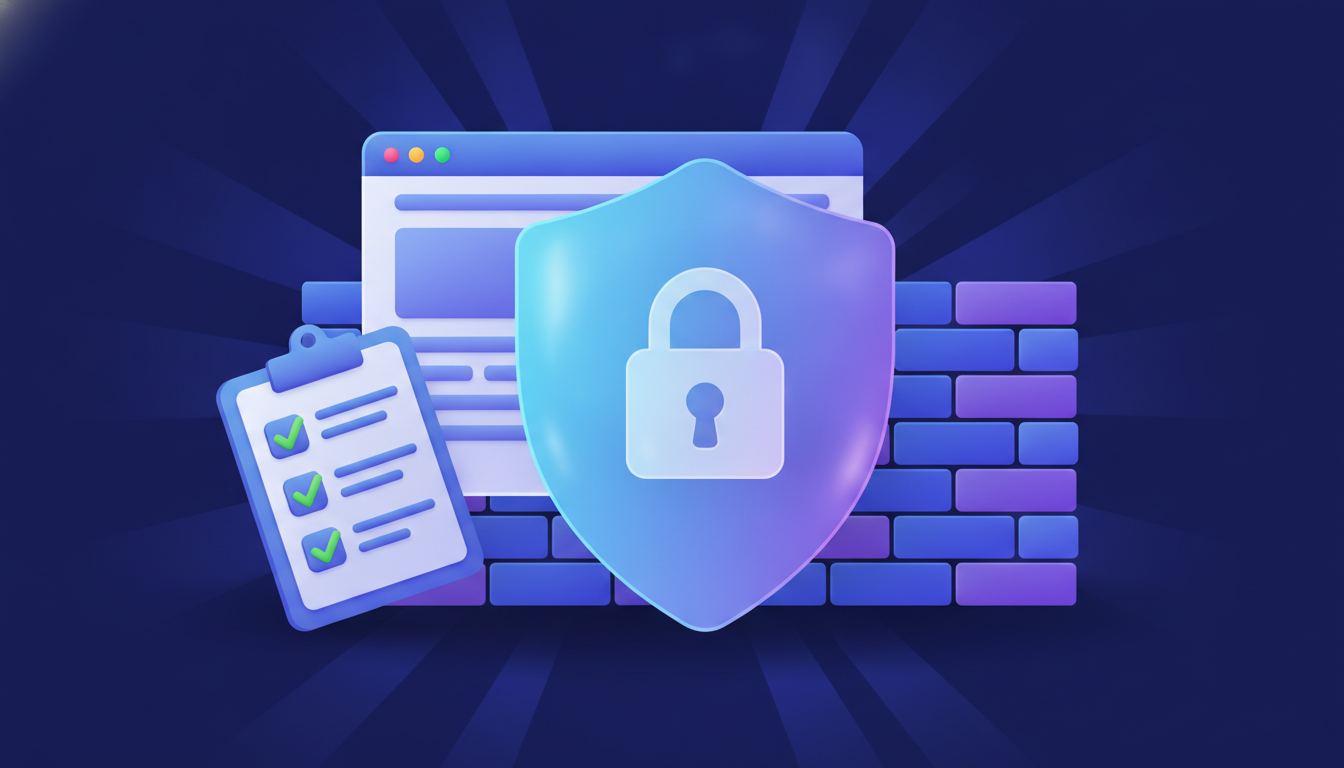
Most hacked WordPress sites are not targeted personally — automated bots look for outdated plugins and weak passwords. These steps close the most common doors.
1. Keep everything updated
Update WordPress core, themes and plugins regularly. Outdated plugins are one of the most common ways sites get hacked. Delete plugins and themes you do not use instead of just deactivating them.
2. Use strong logins
- Do not use "admin" as a username.
- Use a long, unique password from a password manager.
- Turn on two-factor authentication (2FA) for every administrator.
- Limit login attempts to slow down password-guessing bots.
3. Install only trusted plugins
Download plugins from the official WordPress directory or the developer's own site. Never install "nulled" (pirated) premium plugins — they often contain hidden malware.
4. Back up automatically — and off the server
Schedule daily backups of the files and database, and store them somewhere other than your hosting account. Test a restore at least once so you know it works.
5. Use HTTPS everywhere
Install a free SSL certificate (most hosts offer one) and redirect all traffic to https://.
6. Review user accounts
Give each person only the role they need (Editor or Author instead of Administrator) and remove accounts of people who no longer work on the site.
If your site is already hacked
- Signs include strange pages in Google results (for example in another language), redirects to spam sites, or new admin users you did not create.
- Change all passwords (WordPress, hosting, database, FTP), restore a clean backup or clean the files, update everything, then ask Google to re-check your site in Search Console.
Dealing with a hacked or slow WordPress site? I can help.
Need help with your website?
I build fast, SEO-ready websites and web applications.