Small Business Website: Build One Customers Can Use
A practical guide to building a small business website that answers customer questions, earns trust, and makes it easy to take the next step.

A small business website should do more than explain that your business exists. It should help the right visitors understand what you offer, trust your business, and take a clear next step. Start with a focused set of pages and useful details, then improve the site as you learn what customers need.
If you are wondering whether having a website is worthwhile, the practical question is what your site should help customers do. This guide shows how to build a simple, useful website around that goal.
Key takeaways
- Give your website one clear purpose, such as getting enquiries, bookings, or visits.
- Begin with a small set of pages that answer customer questions.
- Make contact details and the next action easy to find on mobile.
- Use accurate information and real proof to earn trust.
- Review the site over time and improve it based on customer feedback.
Why having a website matters for a small business
Having a website gives your business a place online that you control. Social media profiles can help people discover you, but a website lets you organize your services, policies, contact options, and helpful information in one place.
It can also support customers at different stages. Someone may want to check your service area, compare options, see examples of your work, or ask a question after business hours. A useful website makes those details easier to find without requiring a customer to send a message first.
A website does not guarantee sales or search rankings. It works best when its information is clear, its claims are accurate, and it gives visitors a relevant next step. Google’s SEO Starter Guide offers guidance on helping search engines understand your pages; it is not a promise of ranking.
For a broader view of how a site fits into a business plan, read Business Website: Why Your Business Needs One. Here, the focus is on turning that idea into a practical, customer-friendly website.
Choose one clear job for your website
Before choosing colors or writing page copy, decide what you want visitors to do. A website can support several goals, but one main goal helps you make better decisions about layout and content.
- Service business: Encourage visitors to request a quote or consultation.
- Shop: Help people browse products and complete an order.
- Restaurant or café: Make menus, location, hours, and reservations easy to access.
- Professional practice: Explain services, qualifications, and how to book.
Write a short statement that connects your offer to a customer’s need. For example: “We help Cebu homeowners plan reliable air-conditioning maintenance.” Use only claims you can support, and be specific about whom you serve.
Then choose one primary action, such as “Request a quote” or “Book a visit.” Repeat it where it makes sense, especially on your homepage and service pages. Avoid filling every section with competing buttons.
Build the core pages customers look for
You do not need a large site to launch. Start with pages that help visitors understand your business and decide what to do next. Add more only when they answer a real customer need.
Homepage
State what you do, who you help, and where you work near the top. Include a clear link to your main service or contact option. A visitor should not have to guess what kind of business they have found.
About page
Explain how the business works and what customers can expect. Share relevant experience and values, but keep the focus on useful details rather than a long company history. Use genuine photos or examples when they help explain your work.
Services or products page
Describe each main service or product in plain language. Include what is covered, who it suits, and how a customer can ask about it. If prices vary, explain what affects the price instead of making vague promises.
Contact page
Show the contact methods you actually monitor, your service area, and business hours. A short form can help, but do not ask for information you do not need. If you serve customers at a physical location, add clear directions or a map.
Depending on your business, you may also need booking, delivery, returns, privacy, or frequently asked questions information. The right structure depends on what customers need to know and what your business does.
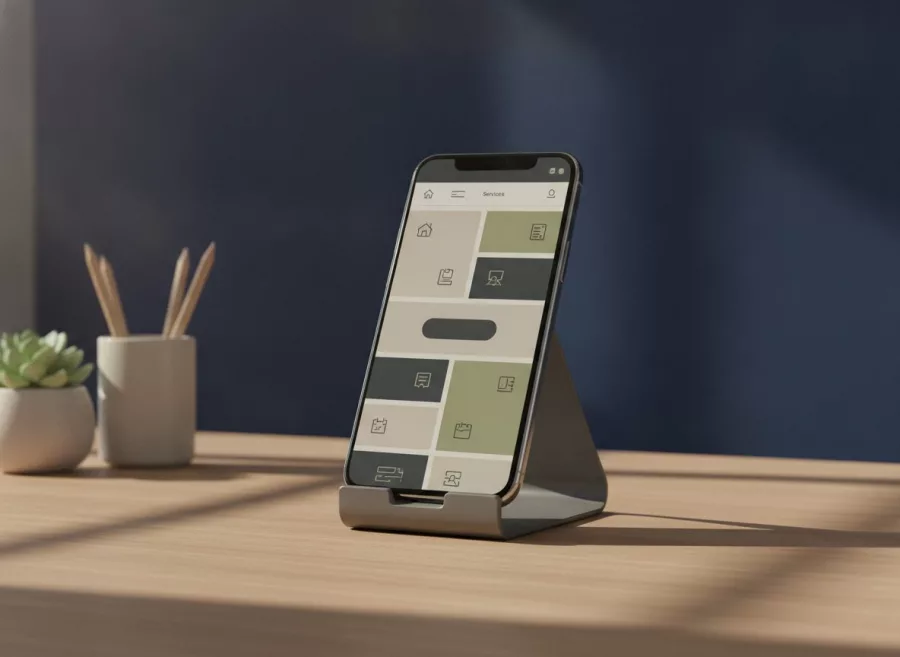
Make the website easy to use on a phone
Many customers will first see your website on a phone. Keep navigation simple, use readable text, and ensure links and buttons are easy to tap. Important details should not be hidden behind long introductions or complex menus.
Check the key customer journey yourself. Open the site on a phone and try to find a service, understand the next step, and contact the business. Ask someone unfamiliar with the site to do the same. Notice where they hesitate or misunderstand a label.
Use clear button labels. “Send a message” tells visitors more than “Submit.” Make phone numbers clickable when appropriate, and make sure forms show helpful error messages if a field is missing.
Performance matters to usability too. Compress large images, remove features that do not serve a purpose, and test pages on a typical mobile connection. Google provides PageSpeed Insights for reviewing page performance and related user experience signals. Treat its suggestions as a starting point, not a substitute for testing with real visitors.
Earn trust with clear, accurate information
A polished design cannot replace reliable details. Display your business name consistently, explain how customers can reach you, and keep service descriptions, opening hours, and location information current.
Use genuine reviews or testimonials only with permission. Do not invent customer quotes, credentials, guarantees, or results. If you show project examples, explain your role and avoid sharing private customer information.
Set expectations before a visitor contacts you. Explain your usual process, what information you need, and when customers can expect a response if you can reliably meet that expectation. Clear expectations reduce confusion for both sides.
For search visibility, write useful pages for people rather than repeating keywords. Include the location you serve where it genuinely helps, and keep business details consistent across your website and relevant profiles. See Search Engine Optimization for support with improving a site’s organic search presence.
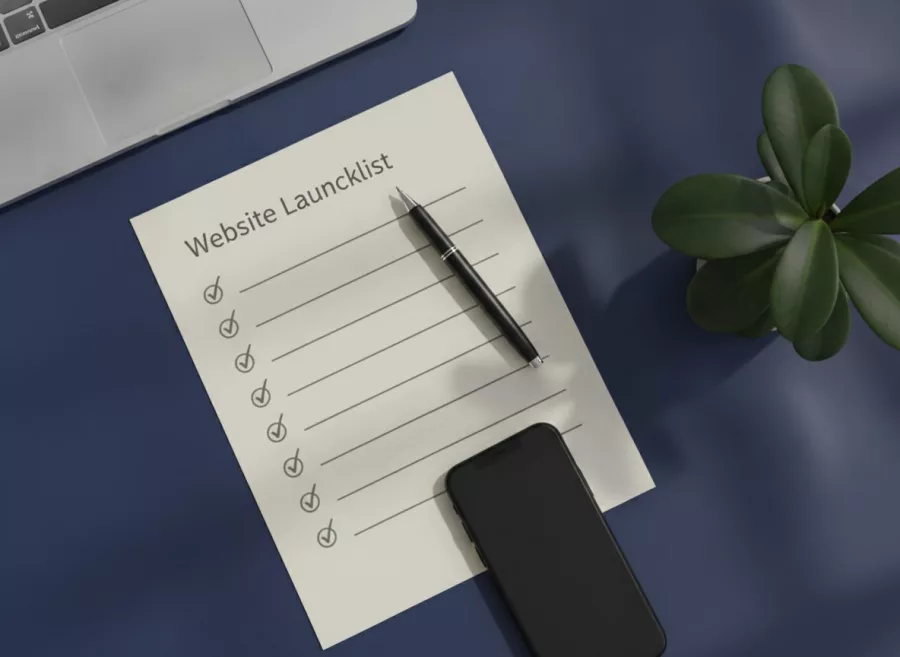
Launch a useful first version, then improve it
You can launch with a small, complete website rather than waiting for every possible feature. A focused first version can include a homepage, an about page, a service or product page, and contact information. Make sure each page works before sharing the site widely.
- Check the facts. Confirm names, phone numbers, email addresses, hours, locations, and service details.
- Test important actions. Submit forms, test booking links, and check that phone and email links work.
- Review mobile layouts. Read the page, tap buttons, and complete the main action on a phone.
- Check basic accessibility. Use descriptive link labels, readable contrast, and text alternatives for useful images.
- Ask for feedback. Ask a few people to find key information without giving them instructions.
- Make a maintenance plan. Set a reminder to check content, forms, software, and backups regularly.
After launch, note the questions customers still ask and the steps where they get stuck. Use those observations to improve the site. You can also review your search performance with Google Search Console, which provides tools and reports for website owners.
If you need help planning the build, explore Website Design and Development. For ongoing updates and technical checks, see Website Maintenance and Technical Support.
Frequently asked questions
Does every small business need a website?
A website is useful when customers need a reliable place to learn about your offer, check details, or contact you. The format and size should fit the business; not every business needs a complex site.
How many pages should a small business website have?
There is no required number. Start with the pages needed to explain your business, services or products, and contact options. Add pages when they answer a real customer question.
Can a website bring customers without social media?
A website can support search discovery and direct visits, but it does not guarantee traffic. Useful content, accurate details, promotion, and a good customer experience all matter.
What should I put on my homepage?
Explain what you offer, who it is for, and where you serve customers. Then guide visitors to a useful next step, such as viewing services or contacting you.
A small business website is most valuable when it answers real questions and makes the next step clear. Start with the essentials, keep details accurate, and improve the site as you learn. Contact Herby Design to discuss a website that fits your business goals.
Found this helpful? Share it
Small Business Website: Build One Customers Can Use — a practical guide to building a small business website that answers customer questions, earns trust, and makes it easy t…#SmallBusiness #WebsitePlanning #WebDesign #CustomerExperience #HerbyDesign
Caption and hashtags copied: paste them into your post.
Need help with your website?
I build fast, SEO-ready websites and web applications.