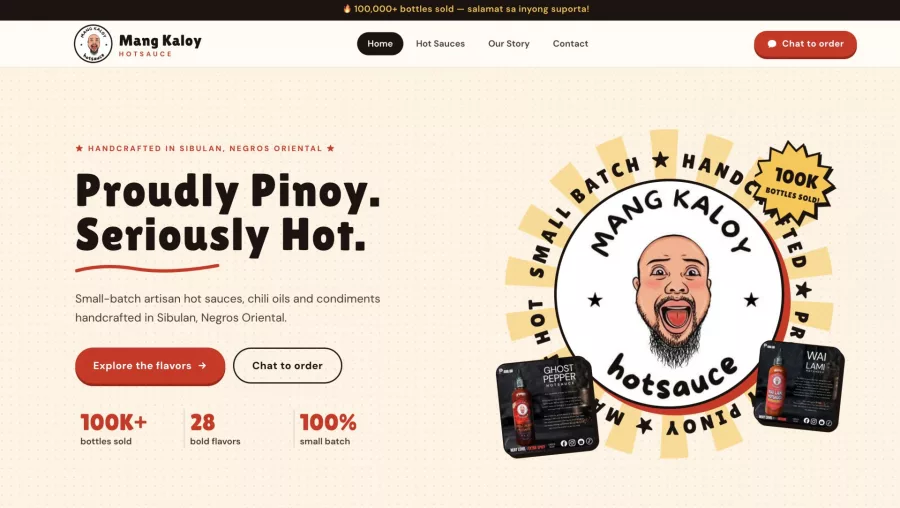
Business Website: What It Does for Customers
See how a small business website can support customer trust, enquiries, and online visibility—and what to build first for a useful, manageable site.

A small business website gives customers one reliable place to learn what you offer, check key details, and contact or buy from you. Social media can help people discover your business, but your website gives you more control over the information and the next steps customers can take.
If you’re asking whether having a business website is worthwhile, the practical answer is yes when it answers real customer questions and makes it easy to act. Start small: publish the essentials, keep them accurate, and improve the site as your business grows.
Key takeaways
- A website can explain your offer, service area, prices or quote process, and contact options in one place.
- Social media and a website do different jobs; one can bring attention while the other provides a stable home for useful information.
- Build only the pages your customers need first, then add features based on real questions and business goals.
- Keep contact details, mobile usability, security, and backups on your regular maintenance list.
- Measure meaningful actions, such as enquiries or bookings, rather than focusing only on visits.
Why a business website still matters
People often check a business online before calling, visiting, or placing an order. A clear website helps them confirm what you do, whether you serve their area, and how to take the next step. It also gives you room to explain details that may be hard to fit into a short social post.
A website is not a promise of instant sales or top search rankings. It is a useful foundation you control: you choose the pages, information, and customer journey. Hosting, domain renewal, updates, and content still require attention, so plan for those responsibilities.
A website and social media have different roles
Social platforms are useful for sharing updates, showing recent work, and starting conversations. Their layouts and rules, however, are set by the platform. A website gives your business a more stable place for service details, policies, frequently asked questions, and contact routes.
You do not need to choose only one channel. Link your social profiles to your site, and link useful site pages from your social posts. That way, a post can introduce an idea while the website provides the full details.
What customers should be able to find
Useful websites answer practical questions quickly. Before adding animations or complex features, check that a first-time visitor can understand your offer and find a clear way to get in touch.
- What you do: Describe your products or services in everyday language.
- Who you help: Explain the customers, industries, or situations you serve.
- Where you work: State your service area, delivery coverage, or whether you work remotely.
- What happens next: Explain how to request a quote, book, visit, or place an order.
- How to reach you: Show a working phone number, email, address where relevant, or contact form.
- Reasons to trust you: Include real examples, clear policies, and accurate business information.
Keep claims specific and verifiable. If you show customer reviews or project examples, get permission where needed and represent them honestly. Helpful, original information is also consistent with Google’s guidance on people-first content.
Start with a small, useful website
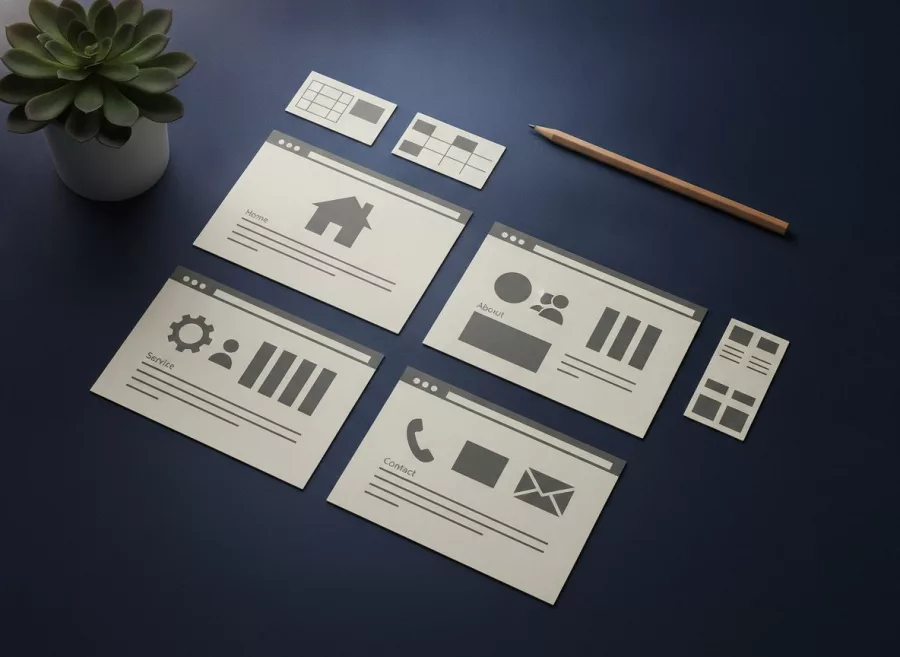
You do not need a large site to begin. A focused set of pages can serve customers better than a long menu of thin or outdated sections. The right scope depends on how people buy from you.
Choose pages around real tasks
- Home: State your main offer, audience, location or service area, and primary next step.
- Services or products: Explain what is included, who it suits, and how customers can ask questions or purchase.
- About: Give relevant background and show who is responsible for the business.
- Contact: Provide clear contact options and tell people what information to include in an enquiry.
- Policies or FAQs: Add the terms, delivery details, booking rules, or answers customers need before deciding.
For a shop, make product information, checkout steps, delivery details, and return policies easy to find. For a service business, describe the process and what happens after someone sends an enquiry. If you are planning a first build, see what to build first on a small business website.
Make the next step obvious
Choose one main action for each important page. That might be “Request a quote,” “Book a consultation,” or “View products.” Use a clear label and place it where visitors can find it without hunting.
Keep forms short. Ask only for details you need to respond, such as a name, preferred contact method, and a brief description of the request. Tell people what happens after they submit the form, and test it yourself to confirm messages arrive.
Make it easy to use on phones and search
Many customers browse on a phone, so check the site on a small screen. Text should be readable without zooming, buttons should be easy to tap, and important details should not disappear in a crowded menu. Test the contact route using a real phone as well as a desktop browser.
Use page titles and headings that describe the page clearly. Write useful copy for people, give images meaningful alternative text when they convey information, and use descriptive links. Search engines need access to pages, but no design trick can guarantee rankings. A practical starting point is SEO support for your website and the official Google SEO Starter Guide.
Page speed matters to the experience: oversized images and unnecessary features can make a site feel slow. Compress images, remove features you do not use, and check performance after major changes. See website performance optimization if the site needs a more thorough review.

Protect and maintain your site
A website is not finished on launch day. Contact details can change, software needs updates, and forms or links can stop working. Set a repeating reminder to review the site and renew the domain and hosting on time.
- Use strong, unique passwords for hosting, site administration, and related accounts.
- Turn on multi-factor authentication where available.
- Update the site platform, themes, and extensions using a tested process.
- Keep backups and know how to restore them.
- Remove accounts and plugins you no longer need.
- Check forms, key pages, and mobile layouts after changes.
Security needs vary by site and the information it handles. For a basic overview of public website risks, consult CISA’s website security guidance. For ongoing help with updates and checks, consider website maintenance and technical support.
Know whether the website is helping
Start by deciding what a useful outcome means for your business. It may be a qualified enquiry, a completed booking, a phone call, or an order. Track those actions in a privacy-conscious way and review them alongside customer feedback.
Visits alone do not tell the whole story. If people land on a service page but do not contact you, check whether the offer is clear, the call to action works, and the contact form is easy to use. If few relevant people arrive, improve your page content and promotion before adding more features.
Use customer questions to guide improvements. If several people ask about coverage, delivery, or timing, put that information on the relevant page. For a helpful framework, read how to track leads, not just search clicks.
Frequently asked questions
Do small businesses need a website if they use social media?
A website can provide a stable home for important details, while social media helps share updates and connect with people. Together, they can support different parts of the customer journey.
What should a new business website include?
Start with your offer, audience, service area, contact details, and a clear next step. Add product, service, policy, or FAQ pages according to what customers need to decide.
Will a website automatically bring in customers?
No. A website makes information and contact options available, but visitors still need a reason to find and trust it. Clear content, suitable promotion, and a usable contact path all matter.
Can I build a website before my business is fully established?
Yes. Begin with accurate basics and avoid promising services or terms you have not settled. You can add pages and features as your offer becomes clearer.
A business website works best when it answers customer questions and makes the next step simple. Start with the essentials, keep the information current, and improve the site based on what people need. If you want help planning or building yours, contact Herby Design to discuss your project.
Found this helpful? Share it
Business Website: What It Does for Customers — see how a small business website can support customer trust, enquiries, and online visibility—and what to build first fo…#SmallBusiness #WebsitePlanning #OnlinePresence #CustomerEnquiries #HerbyDesign
Caption and hashtags copied: paste them into your post.
Need help with your website?
I build fast, SEO-ready websites and web applications.