Image SEO: A Practical Guide to Better Website Images
Learn practical image SEO steps for better alt text, descriptive filenames, faster pages, and images that are easier for visitors and search engines to understand.

Image SEO helps search engines understand your pictures and helps visitors access them. To improve image SEO, use clear filenames and useful alt text, place images beside relevant content, and keep files fast to load. These simple steps can support search visibility while making your pages easier to use.
Key takeaways
- Describe each meaningful image in plain, accurate alt text.
- Rename image files before uploading, using a few descriptive words.
- Resize and compress images without making them look poor.
- Place images near the text that explains them.
- Check that important images can be found and loaded by search engines.
What image SEO means for your website
Image SEO is the practice of making images understandable, accessible, and easy to load. It includes the image itself, its filename and alt text, and the page around it. Search engines use these clues to understand an image’s subject and context.
Good image SEO does not guarantee a ranking or a place in image results. It does make your content clearer to both people and search engines. It can also improve accessibility for people who use screen readers or browse with images turned off.
For a small business, useful examples include product photos, project galleries, staff-approved process photos, and diagrams that explain a service. Choose images that help answer a visitor’s question. Avoid adding pictures only to repeat a keyword.
Choose useful images and descriptive filenames
Start with an image that adds information or helps the reader understand your page. A real photo of a finished product can be more useful than a generic stock image. Make sure you have permission to use the image, and do not imply that a stock photo depicts your actual team, shop, or work.
Before upload, give the file a short name that describes what it shows. Use lowercase words and hyphens between them. For example, wooden-desk-corner.jpg is more useful than IMG_0042.jpg.
Keep filenames accurate and concise. Do not add a string of location names or search terms that the image does not show. A filename is a clue, not a place to pack in keywords.
Choose a suitable image format and preserve a quality level that looks good on your page. Google Search Central documents support for common formats including JPEG, PNG, WebP, SVG, and AVIF. Use a format that your website and visitors’ browsers can handle.
Write alt text that serves people first
Alt text is a written description added to an image’s HTML. Screen readers can announce it to users who cannot see the image, and search engines can use it as one clue about the image. Write what matters in context, not a list of search phrases.
Describe the image’s purpose
Ask what a visitor needs to know from this image. If a photo shows a product detail, describe the visible feature. If it is a chart, explain its key point in a short description or nearby text. The goal is to convey useful information, not every visual detail.
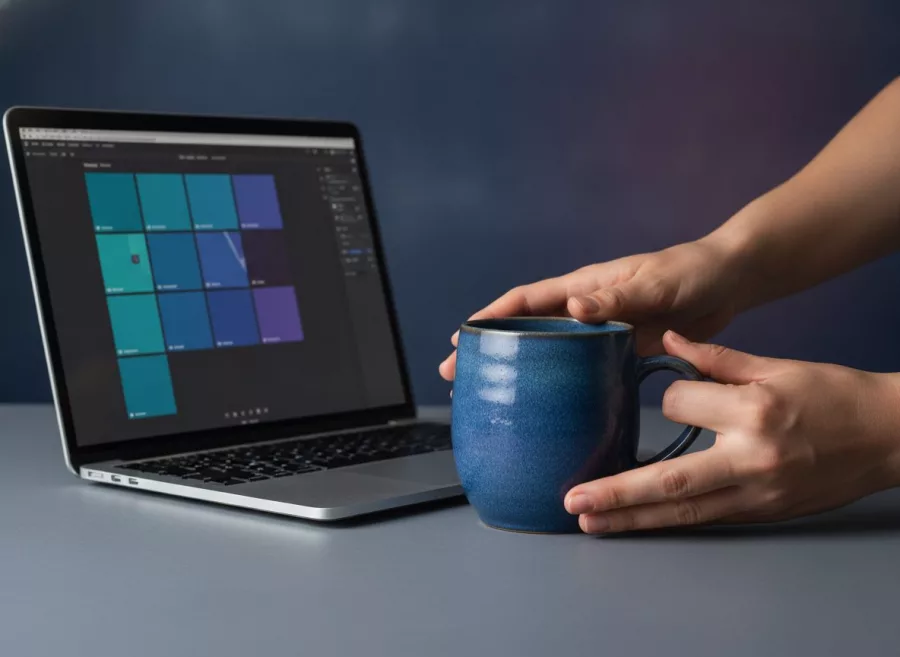
For example, a product image might use: Handmade ceramic mug with a blue speckled glaze. A generic description such as mug may be too vague, while best mug Cebu ceramic mug cheap mug is keyword stuffing.
Know when to use empty alt text
Not every image needs a spoken description. If an image is purely decorative and adds no information, use an empty alt attribute so assistive technology can skip it. Do not leave alt text empty on a meaningful product, diagram, or portfolio image.
Alt text should reflect the image actually shown. If a product changes, update the description. If an image contains important words, provide those words as accessible text nearby rather than relying only on the picture.

Make images fast without sacrificing quality
Large image files can slow down a page, especially for visitors on mobile connections. Resize images to fit their intended display area, then compress them while checking that details still look clear. Avoid uploading a huge original when a smaller version will do.
Where appropriate, serve responsive image sizes so a phone does not need to download a much larger image intended for a desktop screen. Ask your developer or check your content platform’s image settings if you are unsure how it handles responsive images.
Set image dimensions where possible. Width and height information helps browsers reserve space before the file appears, reducing sudden page movement. Load images below the first screen lazily when suitable, but avoid delaying the main image visitors see immediately.
For help finding page-speed improvements, see Website Performance Optimization. Speed work should protect image quality and usability, not simply make every picture as small as possible.
Give images context and make them discoverable
Place an image near the paragraph or heading that explains it. A relevant caption can help visitors, and nearby page text gives search engines more context. Keep the page title and the main content focused on the same subject as the image.
Use standard HTML image elements for important content images. Google’s image guidance says it can find images referenced in an image element’s src attribute. Images applied only as CSS backgrounds may not provide the same discovery path, so reserve backgrounds for decoration rather than essential content.
Check that search engines can access the page and image files. Review your robots settings and content delivery setup if images are hosted separately. If important images are difficult to discover, consider whether your sitemap setup covers them, especially when your site uses JavaScript or a separate image host.
For broader search improvements, review Search Engine Optimization and our guide to SEO keyword mapping. Image work should support a useful page, not distract from its purpose.
A practical image SEO checklist
Use this checklist when adding images to a new page or refreshing an existing one. Work through it one image at a time, starting with images that explain a product, service, or key step.
- Choose a relevant image. Confirm it helps explain the page and that you have the right to use it.
- Rename the file. Use a short, accurate, hyphenated filename.
- Resize and compress. Match the file to its likely display size while keeping it clear.
- Write alt text. Describe meaningful content in plain language. Use empty alt text for purely decorative images.
- Add context. Put the image near related copy and add a caption when it helps readers.
- Check mobile display. Confirm that the image fits, stays sharp enough, and does not slow the page unnecessarily.
- Test access. Open the page without being logged in and verify that images load correctly.
If you use WordPress, check its image settings and preview the page on a phone before publishing. For help with the wider site setup, explore WordPress Development or Website Design and Development.
Frequently asked questions
Does alt text improve SEO?
Alt text helps describe meaningful images to people using assistive technology and provides search engines with context. Write it to be accurate and useful, not to force in keywords.
Should every image have alt text?
Every image should have an appropriate alt attribute. Use descriptive text for meaningful images and an empty value for images that are purely decorative.
What is a good image filename?
Use a short, accurate name that describes the image, with words separated by hyphens. For example, blue-ceramic-coffee-mug.jpg is clearer than a camera-generated filename.
Which image format should I use?
Choose a format supported by your website that preserves the quality you need at a reasonable file size. Google Search supports several common formats, including JPEG, PNG, WebP, SVG, and AVIF.
Can image optimization guarantee more traffic?
No. Image optimization can make images clearer to search engines and easier to use, but search visibility depends on many factors. Treat it as one part of creating helpful, accessible pages.
Conclusion
Good image SEO comes down to relevance, clear descriptions, sensible file sizes, and useful page context. Apply the checklist to your most important pages first, then build the habit into your publishing process. Need help improving your website? Contact Herby Design to discuss practical next steps.
Found this helpful? Share it
Image SEO: A Practical Guide to Better Website Images — learn practical image SEO steps for better alt text, descriptive filenames, faster pages, and images that are easier for…#PageSpeed #ImageSEO #AltText #WebsiteImages #HerbyDesign
Caption and hashtags copied: paste them into your post.
Need help with your website?
I build fast, SEO-ready websites and web applications.