Image SEO: Practical Tips for Small Business Websites
Learn practical image SEO steps for clearer alt text, faster pages, and images that help customers understand your products and services.
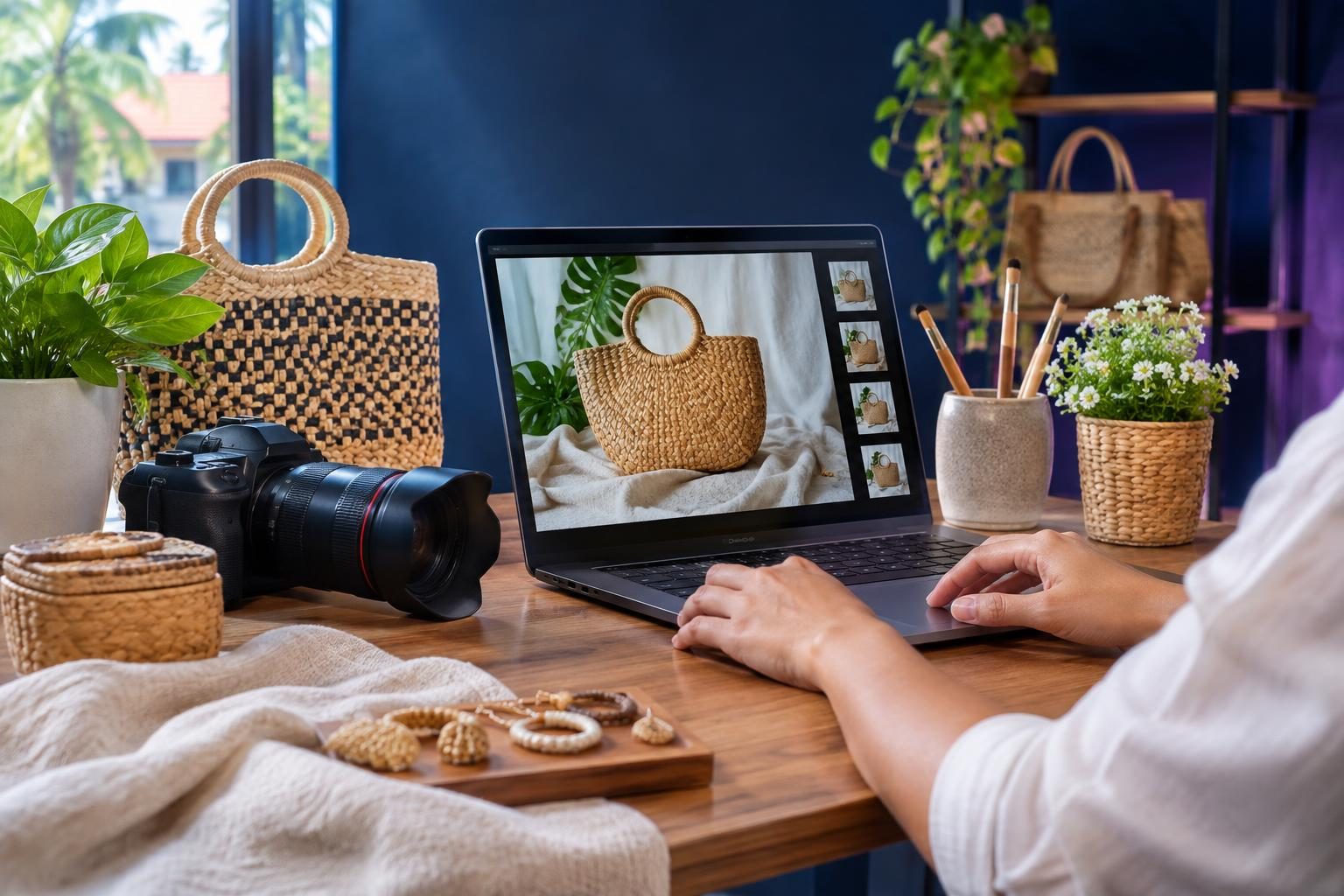
Image SEO helps search engines understand your images and can make them easier for people to find. For small business websites, the best starting points are clear, relevant images, descriptive alt text, sensible file names, and fast-loading formats. Image SEO is not a shortcut to rankings, but it improves access, context, and the experience of your pages.
Key takeaways
- Choose images that support the page topic and place them near related text.
- Write alt text to explain an image’s purpose, not to repeat keywords.
- Use descriptive file names and suitable image dimensions before upload.
- Check that images load quickly and remain accessible to search engines.
- Review image pages and results in Search Console to find issues.
What image SEO means for a small business
Image SEO is the practice of making images understandable, accessible, and useful on your website. It includes how you name, size, describe, and place each image. It also includes the page around it, because surrounding text gives readers and search engines context.
For example, a Cebu bakery could show a photo of a custom cake on a cake-ordering page. A nearby caption or paragraph can explain the design and ordering process. That is more useful than an unrelated stock photo with a vague file name.
Google can use page content, captions, and image details to interpret an image. It may also show images in search results when they fit a query. There is no guarantee that an image will appear or rank, so focus first on helping visitors understand your offer.
Start with images that help the page
Before changing file names or writing alt text, ask whether the image belongs on the page. A good image adds information, shows a product or service, or helps someone complete a task. Decorative images can support the design, but they should not distract from the page’s purpose.
Choose relevant, clear visuals
Use sharp images that show the subject clearly. For product pages, show the item from useful angles. For service pages, use genuine examples of the work when you have permission to share them. Avoid using a generic photo just to fill space.
Place each image near the text that explains it. A photo of a website project, for instance, makes more sense beside the project description than far below unrelated content. This helps people connect the visual with the right information.
Keep the page’s purpose in view
Think about what a visitor needs to know before acting. A restaurant might show its dining area, menu items, or location. A web development company might show a real interface or a simple process diagram. Choose visuals that answer questions rather than merely decorate.
For guidance on making images discoverable and useful, read Google’s image SEO best practices. If your site needs a broader design review, explore website design and development.
Write helpful alt text and file names
Alt text is a short description added to an image in the page code. Screen readers can use it to tell visitors what an image communicates. Search engines may also use it to understand the image, but alt text should serve people first.
Describe the image’s purpose
Be concise and specific. For a product image, name the product and any important detail visible in the picture. For an image that explains a process, describe the useful information it conveys. Do not start every description with “image of” unless those words add meaning.
For example, “Handmade chocolate cake with strawberry topping” gives a reader more useful information than “cake photo.” If the image is purely decorative and adds no information, an empty alt attribute is often appropriate so assistive technology can skip it. Ask your developer or content editor how your website handles decorative images.
Avoid keyword stuffing
Do not cram a target phrase into every image description. Repeating “best Cebu bakery cake delivery” does not help someone understand the image. Use a phrase only when it naturally describes what is shown.
Give image files readable names before uploading them. A name such as custom-chocolate-cake-cebu.jpg is clearer than IMG_4837.jpg. Keep names accurate and simple; changing a file name alone does not make an image valuable or guarantee search visibility.
Google’s documentation on Google Images explains that page text and nearby content can help clarify image meaning. For a general search strategy, see the Herby Design guide to SEO keyword mapping.

Make images load well on phones
Large image files can slow a page, especially on mobile connections. Slow pages frustrate visitors and may make it harder for them to browse products or contact your business. Prepare images at a size suited to their display area, and use modern formats when your website supports them.
Resize and compress before upload
Do not upload a huge original photo if the page displays it in a small card. Resize it to a reasonable dimension, then compress it while keeping the image clear. Compression reduces file size; resizing reduces unnecessary pixel dimensions.
Check image quality on a phone as well as a desktop. Product details should remain visible, and text within an image should not become unreadable. If the page has several large photos, consider whether every image is needed.
Use responsive images and lazy loading appropriately
Responsive images let a browser choose a suitable image size for a device. Lazy loading delays images that are off screen until a visitor scrolls near them. These techniques can improve loading, but they need correct implementation.
Do not lazy-load the main image that appears immediately at the top of a page without checking the effect. Ask a developer to test how the page loads and whether the right image is served on mobile. Herby Design’s website performance optimization service can help identify image-related speed issues.
Check image access and page context
An image cannot help searchers if it is broken, blocked, or disconnected from useful page content. Confirm that important image files load without errors and that search engines can access the pages where they appear. Avoid relying on an image to communicate details that are missing from the surrounding page.
Use captions when they add value
A caption can identify a product, explain a diagram, or give credit where required. Not every image needs one. Add captions when they make the page clearer, not as a place to repeat keywords.
Keep images discoverable
Use standard web images embedded in the page and link them from crawlable pages. If you use an image gallery or script, check that visitors can still reach the images and that the page content works without confusing interactions. Make sure important pages are not accidentally blocked from crawling.
Google’s SEO fundamentals cover crawlable resources and other site basics. For a more complete review of search issues, see the SEO audit guide for Philippine businesses.
Review image SEO with a simple routine
You do not need a complicated process for every upload. A short checklist can prevent common mistakes and keep your site consistent.
- Check relevance. Confirm the image supports the page and helps visitors.
- Prepare the file. Resize and compress it, then use a clear, accurate file name.
- Write alt text. Describe the image’s useful meaning, or leave it empty if it is decorative.
- Place it well. Put the image near relevant text and add a caption only when useful.
- Test the page. Check mobile display, loading, and whether the image is accessible.
- Review results. Use Search Console reports and page checks to spot indexing or performance concerns.
When reviewing, look for missing images, unclear descriptions, oversized files, and pages where visuals do not support the content. Fix the issues that affect visitors first. Search visibility can take time, and no checklist can promise a particular ranking.
Frequently asked questions
Does alt text directly improve rankings?
Alt text helps explain an image to people using screen readers and gives search engines useful context. It is not a guaranteed ranking boost. Write it accurately and naturally.
Should every image have alt text?
Meaningful images should have a concise description. Decorative images that add no information can use an empty alt attribute, allowing screen readers to skip them.
Do file names affect image SEO?
Clear file names can add context and make files easier to manage. They are only one small part of image SEO, so name files accurately without forcing keywords.
Which image format should my website use?
Use formats your website and browsers support, and choose settings that balance quality and file size. Your developer can test suitable formats and responsive delivery for your site.
How often should I review images?
Review images when you publish or update important pages. Also check them when visitors report display problems or performance tools flag large files.
Good image SEO starts with useful visuals, clear descriptions, and fast, accessible pages. Apply the checklist to your most important service or product pages first, then improve the rest over time. Need help improving your website’s images and search foundations? Contact Herby Design to discuss your goals.
Found this helpful? Share it
Image SEO: Practical Tips for Small Business Websites — learn practical image SEO steps for clearer alt text, faster pages, and images that help customers understand your produ…#SmallBusinessSEO #ImageSEO #AltText #WebsiteSpeed #HerbyDesign
Caption and hashtags copied: paste them into your post.
Need help with your website?
I build fast, SEO-ready websites and web applications.