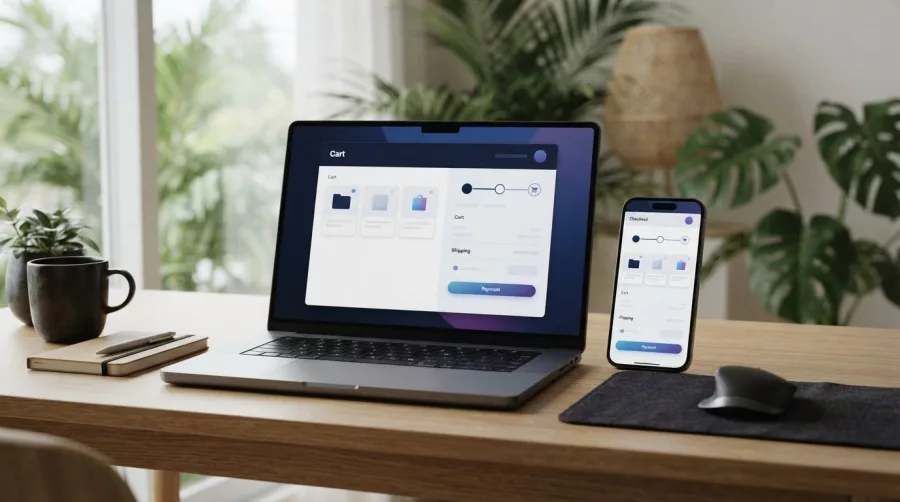
Small Business Website: What to Build First
Learn what a small business website should do, what to include in a first version, and how to make it useful alongside social media.

A website gives your business a reliable place to explain what you offer, answer customer questions, and invite people to take the next step. Social media and business listings can help people discover you, but a website lets you present accurate information in one place that you control.
- Key takeaways
- Start with a clear purpose, such as getting enquiries, bookings, or orders.
- Keep the first version focused on useful information, not extra features.
- Use social pages and business listings to support your website, not replace it.
- Make it easy for visitors to contact you on a phone.
- Review your site regularly so details stay accurate and links work.
Why a small business website still matters
Customers may hear about a business through a friend, a social post, an advert, or a search result. Before they call or buy, they often want to check basic details: what you sell, where you operate, what it costs, and how to reach you.
A website gives you room to answer those questions clearly. It can show your services, work examples, business hours, service area, policies, and contact options. This reduces guesswork for customers and helps you make a better first impression.
It also gives you a stable destination to share. A social platform can change its features, rules, or reach. A website is a separate home for your business information, even when social media helps bring visitors to it.
Website or social media: do you need both?
For many small businesses, the most useful approach is to use both. Social media can help you share updates and start conversations. Your website can provide complete, organised information and a clear path to enquire, book, or buy.
A social profile may not answer every question a customer has. Important details can be spread across posts, comments, and profile sections. On a website, you can group information by purpose, such as services, pricing guidance, FAQs, and contact details.
A Google Business Profile can also help local customers find business information. It works alongside your website: the profile helps people discover or check your business, while the site can provide more context. For practical search measurement, see this guide to finding missed clicks in Google Search Console.
Choose channels based on how your customers find and evaluate businesses. You do not have to post everywhere. Keep your key details consistent wherever you appear, and link those channels to your website when possible.
What should your first website include?
Your first website does not need dozens of pages. Begin with the information that helps a visitor decide whether your business is right for them and what to do next.
Explain the offer and who it helps
Use a plain, specific opening statement. Instead of a vague line like “quality solutions for everyone,” describe the service and customer. For example: “Home air-conditioner cleaning in Cebu City for households and small offices.” Only make claims you can support.
Show evidence and set expectations
Give visitors a practical sense of what working with you involves. Depending on your business, this could include examples of work, a list of services, delivery areas, booking steps, or a short explanation of your process.
If you publish reviews, use genuine feedback and get permission where needed. Do not invent testimonials or imply results are guaranteed. Clear expectations build more useful trust than broad promises.
Make the next step obvious
Choose one main action for each important page. It could be to call, request a quote, book an appointment, or place an order. Put the relevant link or button where visitors can find it without searching.
For a service business, a short enquiry form may ask for a name, contact method, service needed, and a brief description. Ask only for information you need, and explain how customers can contact you if they prefer not to use a form.
If you sell products online, consider a dedicated e-commerce website with product details, delivery information, and clear policies. A service business may need a simpler business website focused on credibility and enquiries.
How to plan a useful website on a small budget
Cost depends on what you need, who builds the site, and how much content or custom work is involved. Rather than choosing a platform first, write down the business goal and the basic tasks your site must support.
- Pick one primary goal. Decide whether the site should generate leads, explain services, accept bookings, or sell products.
- List visitor questions. Note what customers ask before they decide. Use those questions to plan pages and content.
- Choose a manageable scope. Start with the essential pages. Add advanced features only when they solve a real need.
- Prepare accurate content. Gather service descriptions, photos you have permission to use, contact details, and policies.
- Plan ongoing care. Decide who will update information, check forms, renew the domain, and handle software updates.
Website design and development can be handled with a suitable content platform or built around more specific needs. The right choice depends on your budget, editing needs, integrations, and future plans. If you are comparing proposals, ask what each one includes, who owns the domain and site files, and what support is available after launch.
For guidance on building visibility after launch, explore search engine optimization services. SEO can help search engines understand your pages, but it is not a substitute for clear content or a useful offer.
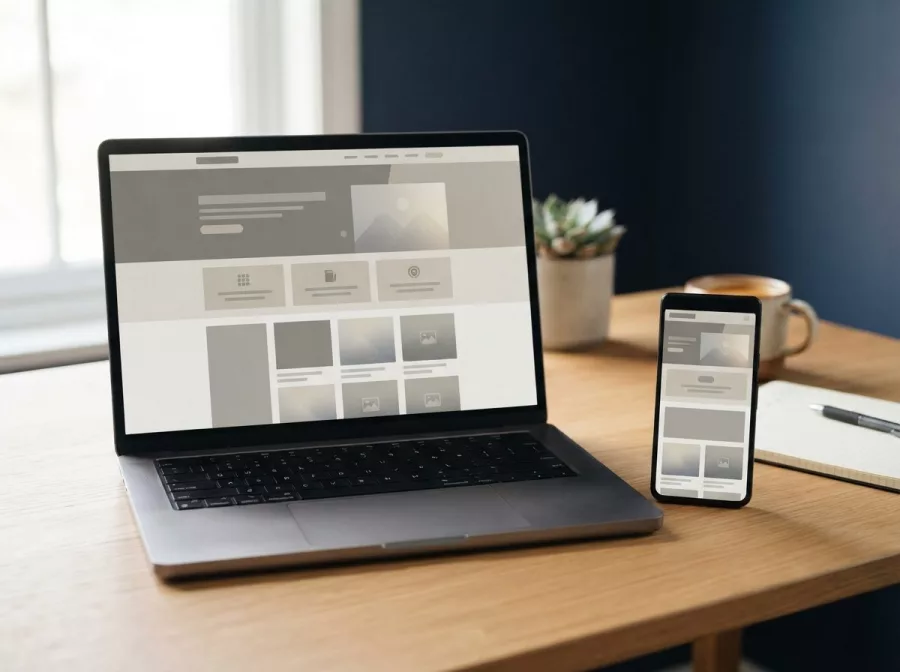
Make the website easy to use on phones
Many customers will open your site on a phone. Check that text is readable, menus are simple, and important actions are easy to tap. A visitor should not have to zoom in to read your phone number or struggle to complete a form.
Use descriptive page headings and familiar labels. “Contact us” is clearer than a clever phrase that hides the page’s purpose. Keep forms short, avoid unnecessary pop-ups, and make sure key information appears before visitors have to scroll too far.
Speed also matters to the experience. Large image files and unnecessary page features can make a site feel slow, especially on a weak connection. Compress images, remove features you do not use, and test the site on a real phone. You can also review website performance optimization when speed needs more attention.
Keep your website accurate and trustworthy
A website is not finished just because it has launched. Out-of-date hours, broken forms, old prices, or expired offers can frustrate customers. Set a simple reminder to review the most important pages every few months and whenever your business changes.
Use secure access for the people who manage the site, keep software and backups in order, and know who to contact if something stops working. Maintenance is especially important for sites that accept payments or collect customer details. For ongoing support, learn about website maintenance and technical support.
Measure a few actions tied to your goal, such as calls, form submissions, booking requests, or orders. Do not judge success only by visitor counts. A smaller number of relevant enquiries may be more valuable than many visits from people who cannot use your service.
Frequently asked questions
Do I need a website if I already use Facebook or Instagram?
Social pages can be useful, but a website gives you a more organised place for full business details and a clear customer journey. Many businesses use both and link them together.
What is the minimum a business website should have?
At minimum, explain what you offer, who you serve, how to contact you, and what customers should do next. Add details such as location, hours, service areas, and policies when they apply.
Can I start with a one-page website?
Yes. A one-page site can work when your offer is simple. Make sure visitors can find the key details quickly, and expand the site if your services or customer questions grow.
How often should I update my website?
Update it whenever business details change. Also check key pages, contact forms, and links on a regular schedule so problems do not go unnoticed.
Will a website automatically bring in customers?
No. A website supports discovery and helps visitors make a decision, but it needs useful content and promotion. Share it through relevant channels and review which actions lead to real enquiries.
Conclusion
A useful website does not need to be complicated. Start with accurate information, a clear purpose, and an easy next step for customers. If you are planning a site for your business, contact Herby Design to discuss a practical approach.
Found this helpful? Share it
What should a small business website do first? Start with the essentials that support enquiries and work well with social media.#SmallBusiness #WebsitePlanning #WebsiteDesign #Business
Caption and hashtags copied: paste them into your post.
Need help with your website?
I build fast, SEO-ready websites and web applications.